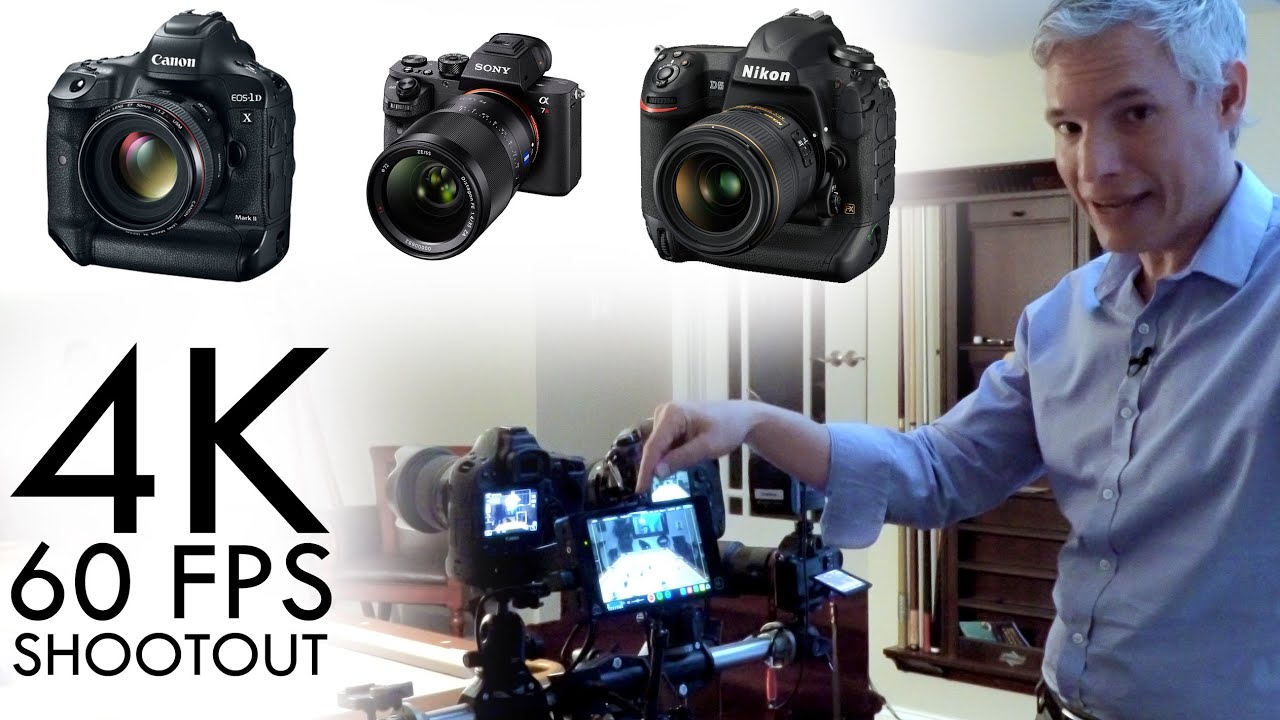
I’ll be straight with you: I spend most of my time in the sub-$1,000 camera world. That’s my lane, and I’m happy in it. But every so often a comparison comes along that’s worth studying even if you’re not the target buyer, because the trade-offs at the top of the market expose what camera manufacturers actually think matters. When I stumbled across this Tony & Chelsea Northrup comparison of the Canon 1DX Mark II, Nikon D5, and Sony a7R II, I watched the whole thing with a notebook open. Watch the full tutorial on YouTube
The core problem this video solves is a real one: these three cameras all shoot 4K, they all cost a small fortune, and on paper they look like reasonable alternatives to each other. In practice, they make completely different compromises. If you’re a working videographer choosing between them, or even just trying to understand what trickles down into cheaper cameras over the next few years, knowing exactly where each one breaks down is genuinely useful.
What I found most valuable here isn’t the verdict. It’s the specific, testable details about frame rates, storage formats, crop factors, and autofocus behavior. Those are the things that will actually wreck a shoot if you don’t know about them going in.
Step 1: Understand What Each Camera Actually Claims to Do in 4K
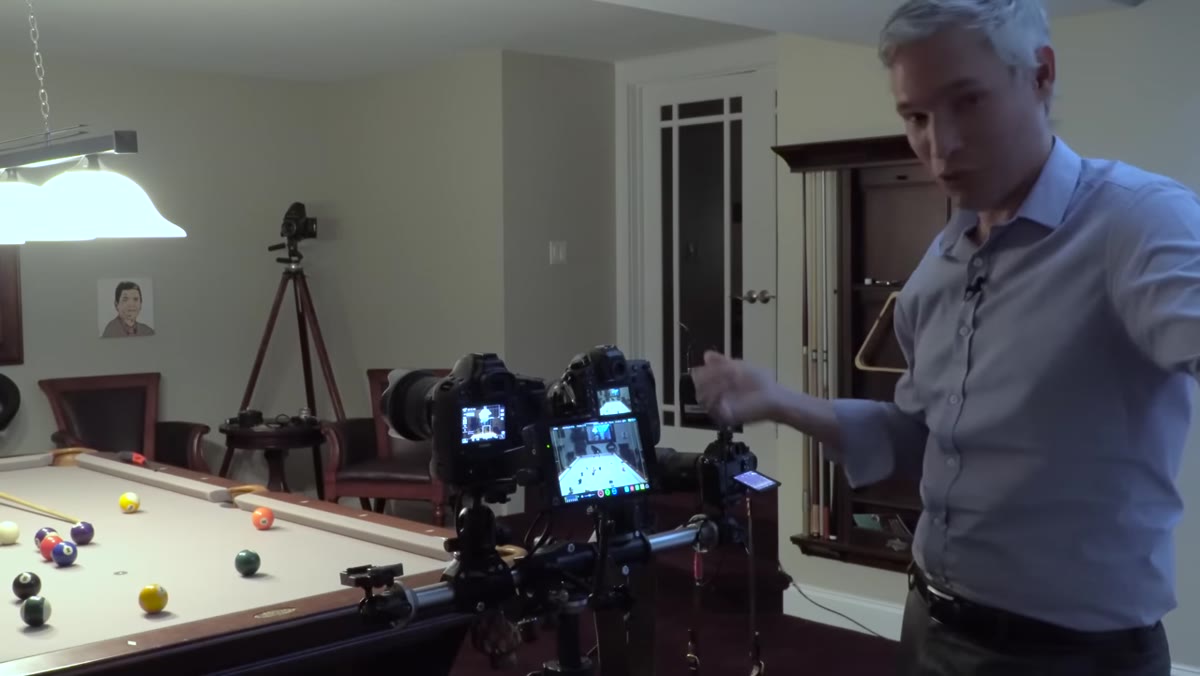 Three cameras side by side on table with price reference
Start by ignoring the marketing language and locking in the actual specs. The Canon 1DX Mark II records 4K at up to 60 frames per second internally. The Nikon D5 and the Sony a7R II both cap out at 4K/30p internally. That 60fps ceiling on the Canon is the single most important differentiator in this comparison for anyone shooting slow-motion or high-action content. At this price point, that gap is significant.
Three cameras side by side on table with price reference
Start by ignoring the marketing language and locking in the actual specs. The Canon 1DX Mark II records 4K at up to 60 frames per second internally. The Nikon D5 and the Sony a7R II both cap out at 4K/30p internally. That 60fps ceiling on the Canon is the single most important differentiator in this comparison for anyone shooting slow-motion or high-action content. At this price point, that gap is significant.
The total cost of the gear on the table in this review runs past $15,000. Keep that number in mind as you read the rest of this, because the limitations we’re about to get into are not budget-camera problems. These are premium-camera problems.
Step 2: Check the Autofocus Behavior During Video
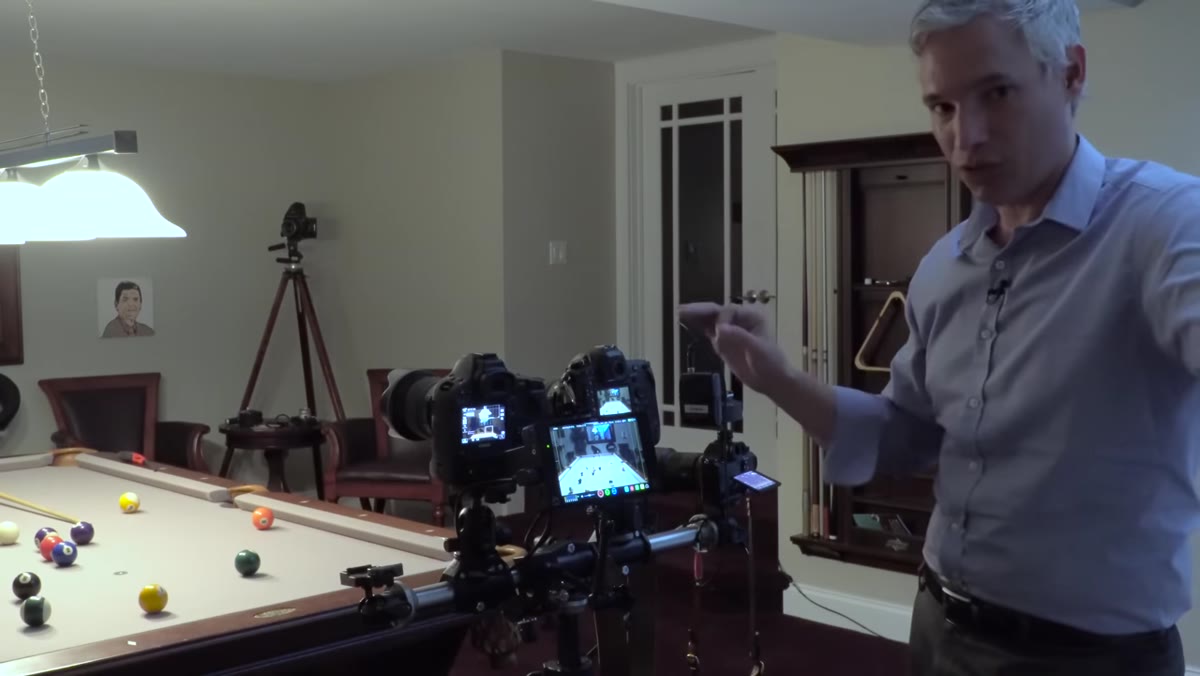 Demonstration of touchscreen and phase detect autofocus on Canon
The Canon’s touchscreen paired with phase detect autofocus lets it pull focus smoothly during video recording, the kind of gradual, cinematic shift from one subject to another that used to require a dedicated focus puller on set. This is not a small thing. If you’re shooting narrative video, interviews, or any run-and-gun work where your subject moves, this feature alone can save a take.
Demonstration of touchscreen and phase detect autofocus on Canon
The Canon’s touchscreen paired with phase detect autofocus lets it pull focus smoothly during video recording, the kind of gradual, cinematic shift from one subject to another that used to require a dedicated focus puller on set. This is not a small thing. If you’re shooting narrative video, interviews, or any run-and-gun work where your subject moves, this feature alone can save a take.
The Nikon D5 has a touchscreen too, but it does not replicate that smooth focus pull. The Sony a7R II has no touchscreen at all, meaning you’re essentially back to manual focus for video work unless you’re willing to accept hunting behavior from the contrast-detect system. For hybrid shooters who flip between stills and video throughout a day, the Canon’s autofocus implementation is the clearest advantage in the whole comparison.
Step 3: Know Your Storage Card Requirements Before You Shoot
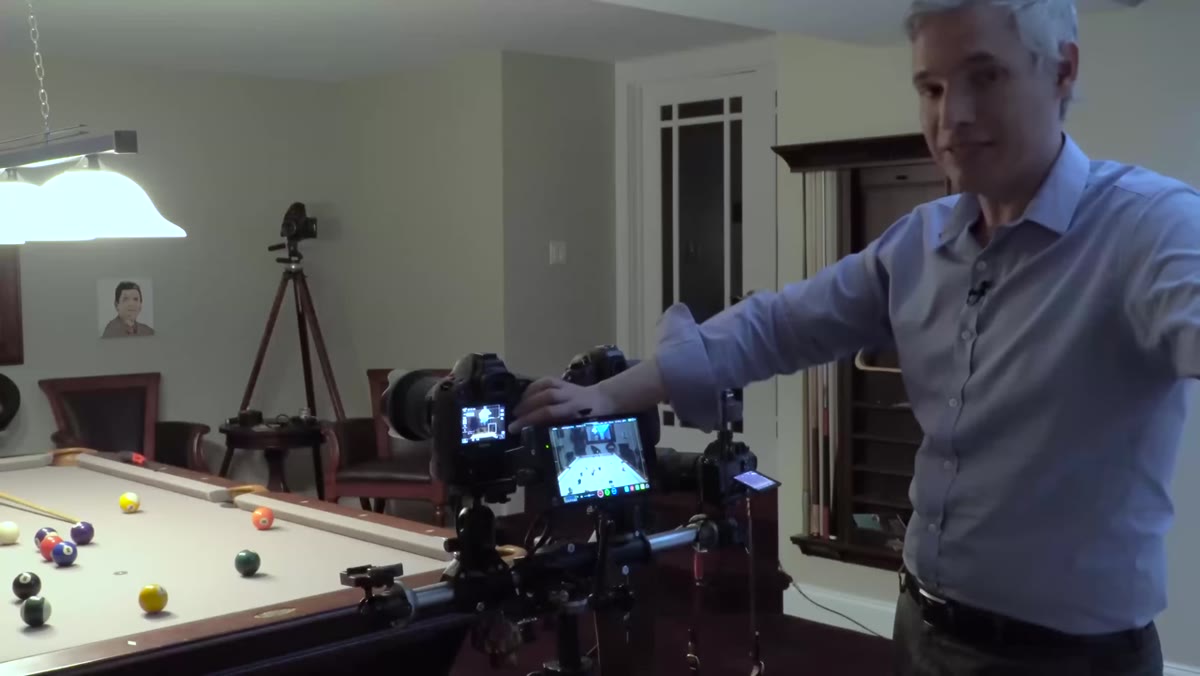 CFast and Compact Flash card slots on Canon 1DX Mark II
This is where things get expensive fast. To hit that 4K/60p spec on the Canon, you need a CFast card, not a standard Compact Flash card. The camera has one of each. You can record 4K at 30fps to the Compact Flash card, but the 60fps mode is CFast-only. CFast cards are significantly more expensive and less common than other formats, so budget for that before you buy the body.
CFast and Compact Flash card slots on Canon 1DX Mark II
This is where things get expensive fast. To hit that 4K/60p spec on the Canon, you need a CFast card, not a standard Compact Flash card. The camera has one of each. You can record 4K at 30fps to the Compact Flash card, but the 60fps mode is CFast-only. CFast cards are significantly more expensive and less common than other formats, so budget for that before you buy the body.
The Nikon D5 uses XQD cards, which Tony and Chelsea note are generally preferred for sports and 4K recording because of their speed. The Sony a7R II uses SD cards, which is the most accessible format of the three. Storage compatibility is a hidden cost that can surprise you if you’re switching ecosystems or renting a body.
Step 4: Factor In the Nikon’s 3-Minute Internal Recording Limit
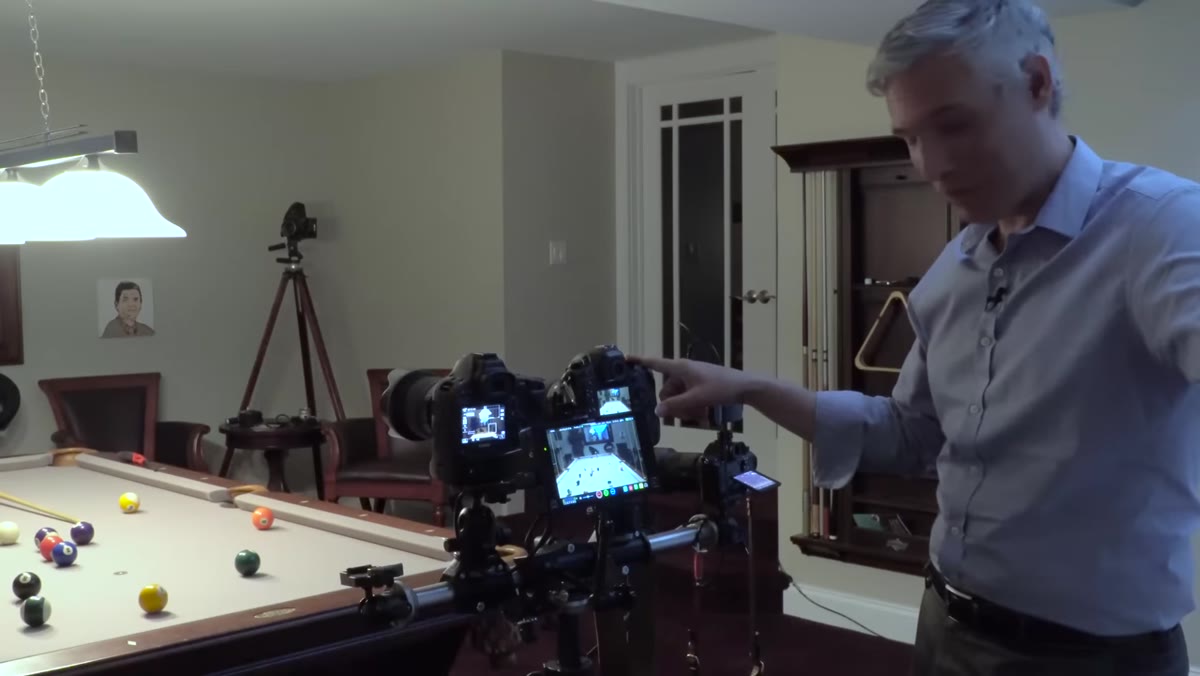 Discussion of Nikon D5 internal 4K time limit
The Nikon D5 hits a hard three-minute wall when recording 4K internally. The Canon and Sony both allow up to thirty minutes. Three minutes is not a quirk you can work around mentally. It is a structural limitation that will interrupt interviews, event coverage, long ceremony shots, and anything else that runs longer than a short scene. Tony and Chelsea call it a deal-breaker for some shooters, and they’re not wrong.
Discussion of Nikon D5 internal 4K time limit
The Nikon D5 hits a hard three-minute wall when recording 4K internally. The Canon and Sony both allow up to thirty minutes. Three minutes is not a quirk you can work around mentally. It is a structural limitation that will interrupt interviews, event coverage, long ceremony shots, and anything else that runs longer than a short scene. Tony and Chelsea call it a deal-breaker for some shooters, and they’re not wrong.
The suspected cause is heat buildup inside the weather-sealed body. The workaround is using an external recorder, which adds at least $1,000 to the system cost and a physical box to carry. You can record internally and externally at the same time on the Nikon, which gives you a backup copy, but only for clips under that three-minute ceiling. If your work involves long continuous takes, this limitation should be near the top of your decision criteria.
Step 5: Understand the Crop Factor During 4K Video
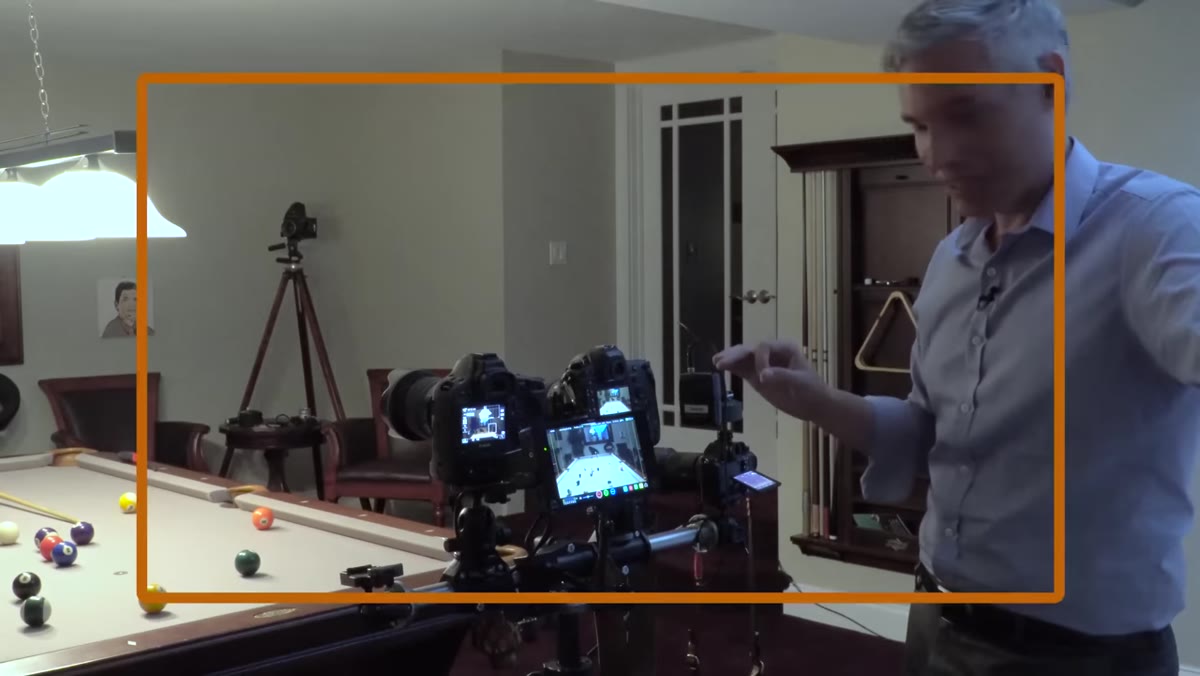 Diagram showing 1.42x crop factor on Canon and Nikon vs full frame Sony
Both the Canon 1DX Mark II and the Nikon D5 apply a 1.42x crop factor when shooting 4K video. Slap a 24mm lens on either of those cameras and you’re effectively shooting at roughly 34mm. For photographers who move between stills and video throughout a shoot, that’s a constant adjustment you have to carry in your head. It also means wide-angle work in video mode requires wider glass than you might already own.
Diagram showing 1.42x crop factor on Canon and Nikon vs full frame Sony
Both the Canon 1DX Mark II and the Nikon D5 apply a 1.42x crop factor when shooting 4K video. Slap a 24mm lens on either of those cameras and you’re effectively shooting at roughly 34mm. For photographers who move between stills and video throughout a shoot, that’s a constant adjustment you have to carry in your head. It also means wide-angle work in video mode requires wider glass than you might already own.
The Sony a7R II is the outlier here. It can record 4K using the full width of its sensor, which means you get the actual focal length of your lenses and the full background separation you’d expect from a full-frame camera. It also has a Super 35 mode that adds a 1.5x crop by choice, and in that mode the image quality actually improves because the camera achieves a one-to-one pixel readout. More reach when you want it, better low-light performance as a bonus. That’s a genuinely smart implementation.
Step 6: Check HDMI Output Limitations for External Monitoring
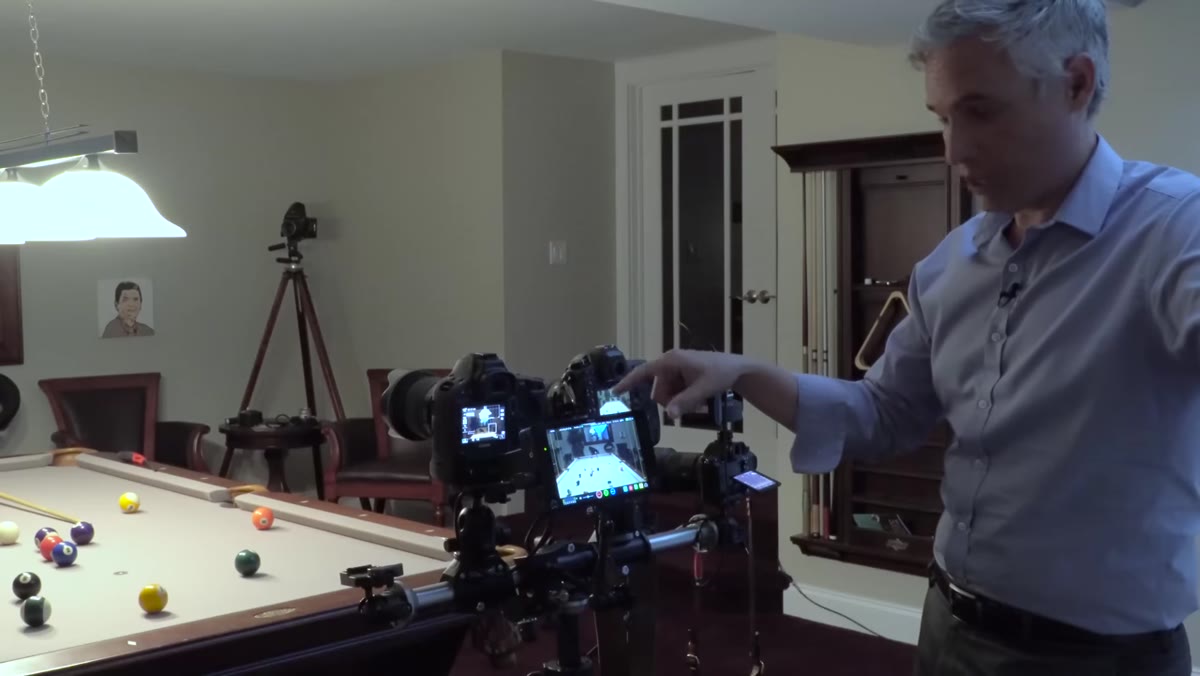 Canon HDMI output setting described as HD-only
The Canon 1DX Mark II will output HDMI, but only at HD resolution. You cannot monitor or record 4K externally via HDMI. Canon positions the HDMI output as an offline proxy signal, not a production output. That means if your workflow includes a field monitor or an external recorder for 4K, the Canon won’t cooperate. The Nikon D5 does output 4K externally over HDMI, which is a meaningful advantage for any setup that relies on a monitor or recorder beyond the camera’s internal storage.
Canon HDMI output setting described as HD-only
The Canon 1DX Mark II will output HDMI, but only at HD resolution. You cannot monitor or record 4K externally via HDMI. Canon positions the HDMI output as an offline proxy signal, not a production output. That means if your workflow includes a field monitor or an external recorder for 4K, the Canon won’t cooperate. The Nikon D5 does output 4K externally over HDMI, which is a meaningful advantage for any setup that relies on a monitor or recorder beyond the camera’s internal storage.
What I’d Add as Someone Who Lives in the Budget End of This Market
Here’s my honest extension on all of this: the Sony a7R II holds up as the most flexible tool of the three for hybrid shooters, not because it wins every spec battle but because its compromises are easier to work around. The crop factor flexibility, the full-frame readout, the accessible storage format. None of that costs you anything extra after the initial purchase.
What this comparison also illustrates is something I see at every price point. The camera that wins on one headline spec almost always gives something back somewhere else. The Canon’s 60fps 4K comes with massive file sizes because it uses a Motion JPEG format without sophisticated compression. That’s not a dealbreaker, but it means your storage burns through fast and your editing machine needs to be capable. Always read the whole spec sheet, not just the top line.
The single most important takeaway from this breakdown: if 4K video is central to your work and not just occasional, the recording time limit and the crop factor will affect every single shoot. Those are not firmware-fixable quirks. They’re fundamental to how each camera was engineered. Know them before you buy.
Watch the full tutorial on YouTube to see Tony and Chelsea walk through the actual footage comparisons and handling notes that are harder to convey in text.
Comments (1)
Solid advice. Especially the part about taking your time with it.
Leave a Comment