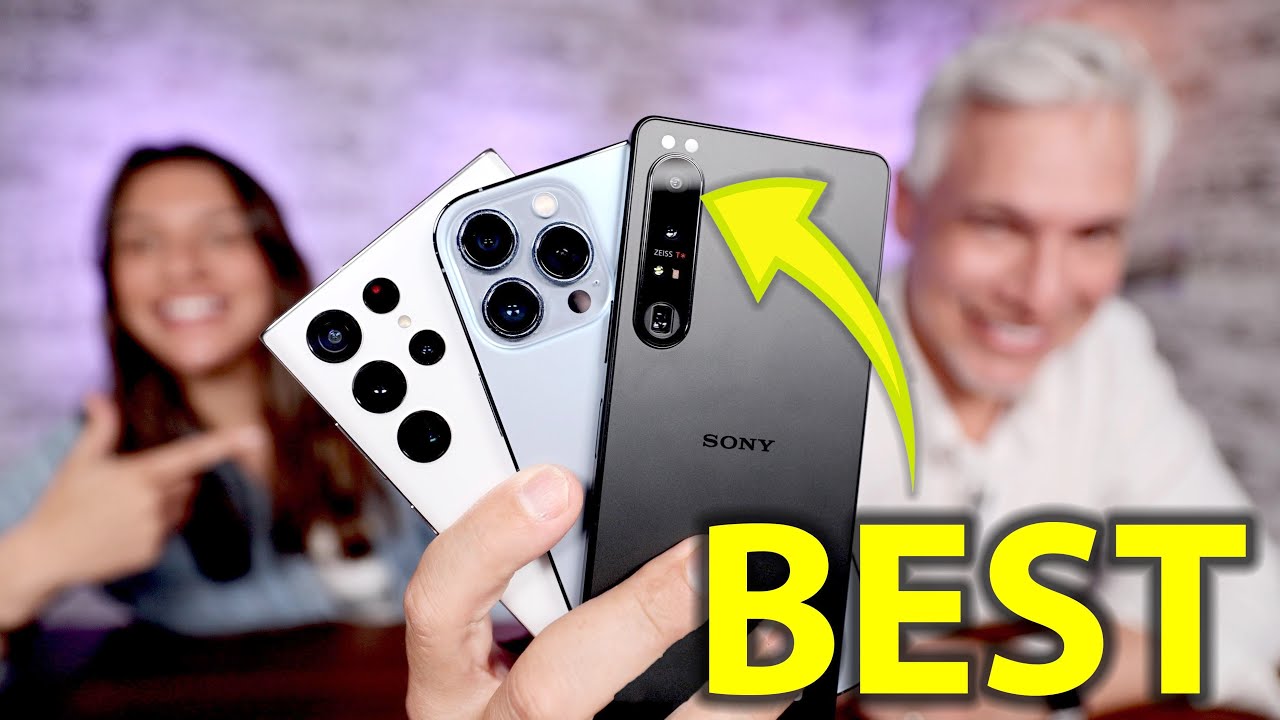
I spend a lot of time arguing that gear matters less than people think. But smartphone cameras are one place where the hardware differences are real, measurable, and directly affect what you can and can’t capture. The question I keep getting from readers is whether any Android phone is actually worth switching to if you’re a photographer who wants real manual control. Not just “pro mode” buried three menus deep, but actual control over exposure, focus, and timing.
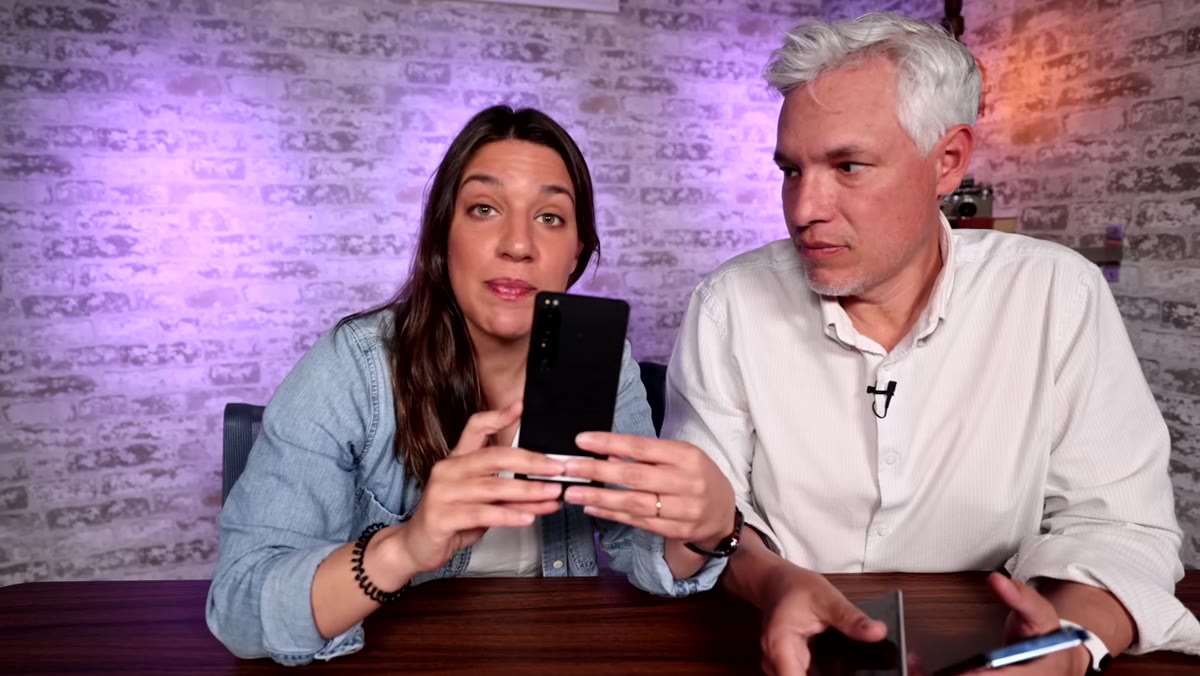
In this Tony & Chelsea Northrup tutorial, they take the Sony Xperia 1 IV into the field against the iPhone 13 Pro and Samsung Galaxy S22 Ultra. What makes this test worth your time is that they’re not just running lab charts. They’re shooting ospreys diving for fish, macro wildflowers in the wind, bridges in harsh sunlight, and portraits. Real situations. The kind where your phone either delivers or it doesn’t. Watch the full tutorial on YouTube
Here’s what I pulled from the comparison that actually matters when you’re deciding where to put your money.
Step 1: Understand What Makes the Xperia 1 IV Different From Other Smartphones
 Sony Xperia 1 IV shown with physical shutter button highlighted
The Sony Xperia 1 IV isn’t trying to compete on the same terms as the iPhone. It’s built around a physical, two-stage shutter button. Half-press to autofocus, full press to shoot. If you’ve ever used a real camera, this feels immediately familiar. It also ships with a full manual pro mode that includes options like 30-second long exposures, something the iPhone’s computational photography pipeline actively works around rather than offering directly.
Sony Xperia 1 IV shown with physical shutter button highlighted
The Sony Xperia 1 IV isn’t trying to compete on the same terms as the iPhone. It’s built around a physical, two-stage shutter button. Half-press to autofocus, full press to shoot. If you’ve ever used a real camera, this feels immediately familiar. It also ships with a full manual pro mode that includes options like 30-second long exposures, something the iPhone’s computational photography pipeline actively works around rather than offering directly.
This matters because photographers think differently than casual users. We want to decide what the exposure looks like. We don’t want the phone guessing. The Xperia positions itself as a tool for people who already know what they’re doing, not a device that tries to make every shot look good automatically.
Step 2: Test Telephoto and Burst Performance With Moving Subjects
 Osprey diving captured in burst sequence from Sony Xperia
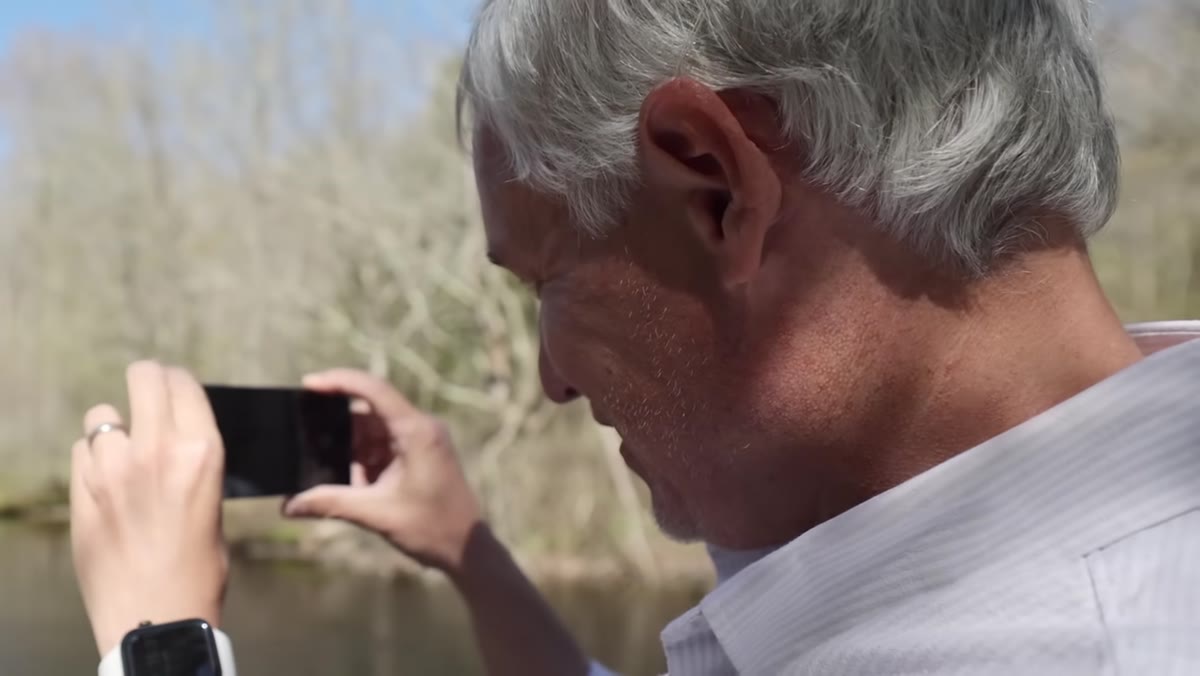
Tony uses the volume buttons on the Xperia to zoom in and out while keeping his grip stable, then fires the physical shutter when the osprey dives. The phone shoots at 20 frames per second, which is the kind of burst rate you’d expect from a mid-range mirrorless body, not a phone. The result is a sequence that catches the exact moment of the dive.
Osprey diving captured in burst sequence from Sony Xperia
Tony uses the volume buttons on the Xperia to zoom in and out while keeping his grip stable, then fires the physical shutter when the osprey dives. The phone shoots at 20 frames per second, which is the kind of burst rate you’d expect from a mid-range mirrorless body, not a phone. The result is a sequence that catches the exact moment of the dive.
The iPhone 13 Pro’s telephoto is noticeably limited in comparison. If you’re shooting wildlife, sports, or anything that moves fast and at a distance, the Xperia wins this category without much debate. The physical controls let you keep your eye on the action instead of fumbling on a glass screen trying to zoom.
Step 3: Compare Macro Capabilities Across All Three Phones
 Small flowers photographed at close range with ultrawide lens
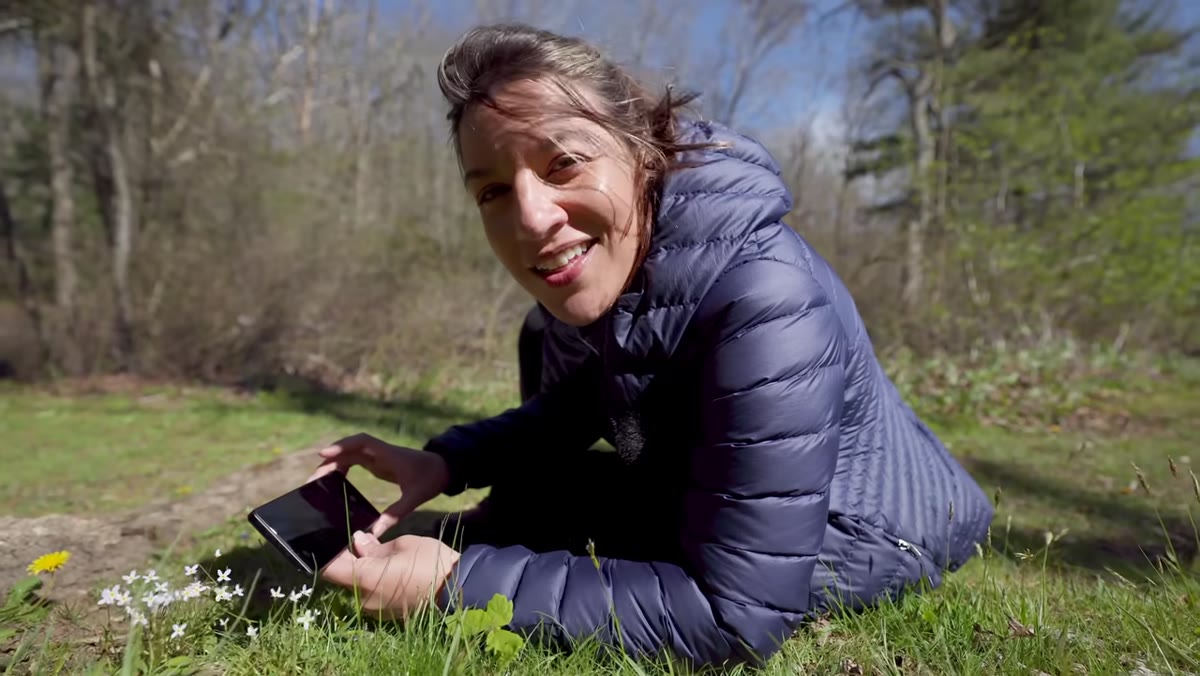
Macro is where the Xperia stumbles. When shooting tiny wildflowers, Tony finds that the Sony’s ultrawide lens can get close, but the results at minimum focusing distance are weak. The Samsung gets physically close and exposes the shot well. The iPhone actually achieves the tightest framing using its ultrawide lens, though the exposure is less accurate.
Small flowers photographed at close range with ultrawide lens
Macro is where the Xperia stumbles. When shooting tiny wildflowers, Tony finds that the Sony’s ultrawide lens can get close, but the results at minimum focusing distance are weak. The Samsung gets physically close and exposes the shot well. The iPhone actually achieves the tightest framing using its ultrawide lens, though the exposure is less accurate.
If close-up detail shooting is part of your work, whether that’s product photography, nature, or food, the Xperia isn’t your best option here. The iPhone edges this test narrowly. For the Xperia to be your primary camera phone, you’d want to work around this limitation or carry a clip-on macro lens.
Step 4: Evaluate Wide and Ultrawide Lenses for Architecture and Landscape
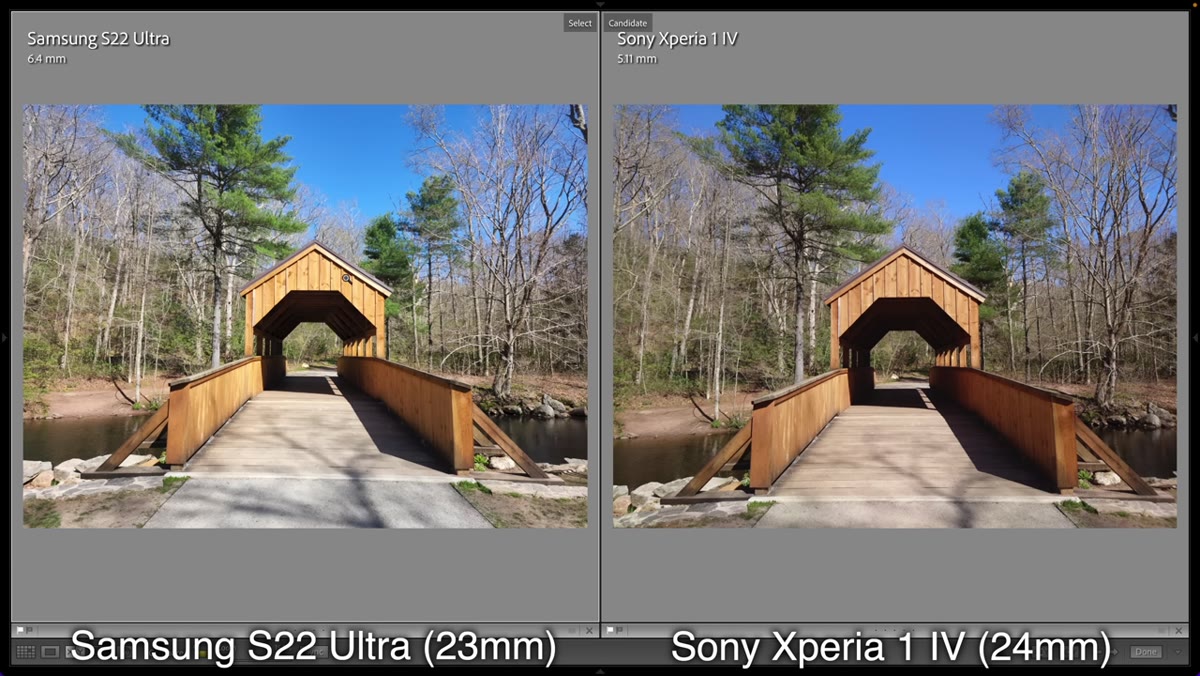
 Bridge shot compared across all three phones side by side
Shooting a bridge in full sun, the comparison reveals something important about how each phone processes images. The iPhone’s ultrawide shows obvious edge sharpening artifacts, that halo glow around high-contrast lines that looks impressive at first glance but falls apart when you zoom in. The Sony’s rendering is more natural and accurate to what the scene actually looked like.
Bridge shot compared across all three phones side by side
Shooting a bridge in full sun, the comparison reveals something important about how each phone processes images. The iPhone’s ultrawide shows obvious edge sharpening artifacts, that halo glow around high-contrast lines that looks impressive at first glance but falls apart when you zoom in. The Sony’s rendering is more natural and accurate to what the scene actually looked like.
On the normal wide lens, the Sony again produces more neutral processing. The iPhone reads as oversaturated. If you’re shooting RAW on the Xperia (which it supports), you have even more latitude to recover shadows and control the final look without fighting against the phone’s aggressive processing choices.
Step 5: Don’t Get Fooled by Samsung’s 100-Megapixel Mode
 Detail crop comparing Sony 12MP output vs Samsung 100MP output
This is the part of the video I’d show anyone who asks me whether megapixels matter. Samsung’s S22 Ultra has a 100-megapixel mode that sounds impressive on a spec sheet. Side by side with the Sony’s 12-megapixel output, the Sony resolves more actual detail. The Samsung’s high-megapixel mode produces a huge file size with no real-world sharpness advantage.
Detail crop comparing Sony 12MP output vs Samsung 100MP output
This is the part of the video I’d show anyone who asks me whether megapixels matter. Samsung’s S22 Ultra has a 100-megapixel mode that sounds impressive on a spec sheet. Side by side with the Sony’s 12-megapixel output, the Sony resolves more actual detail. The Samsung’s high-megapixel mode produces a huge file size with no real-world sharpness advantage.
This is a pattern I’ve seen in budget lenses, too. Manufacturers inflate numbers because consumers respond to them. The real test is always a side-by-side pixel peep, not a spec comparison. The Sony wins the wide lens detail test precisely because it prioritizes real optical quality over marketing numbers.
Step 6: Check Screen Brightness Before You Trust Your Exposure in the Field
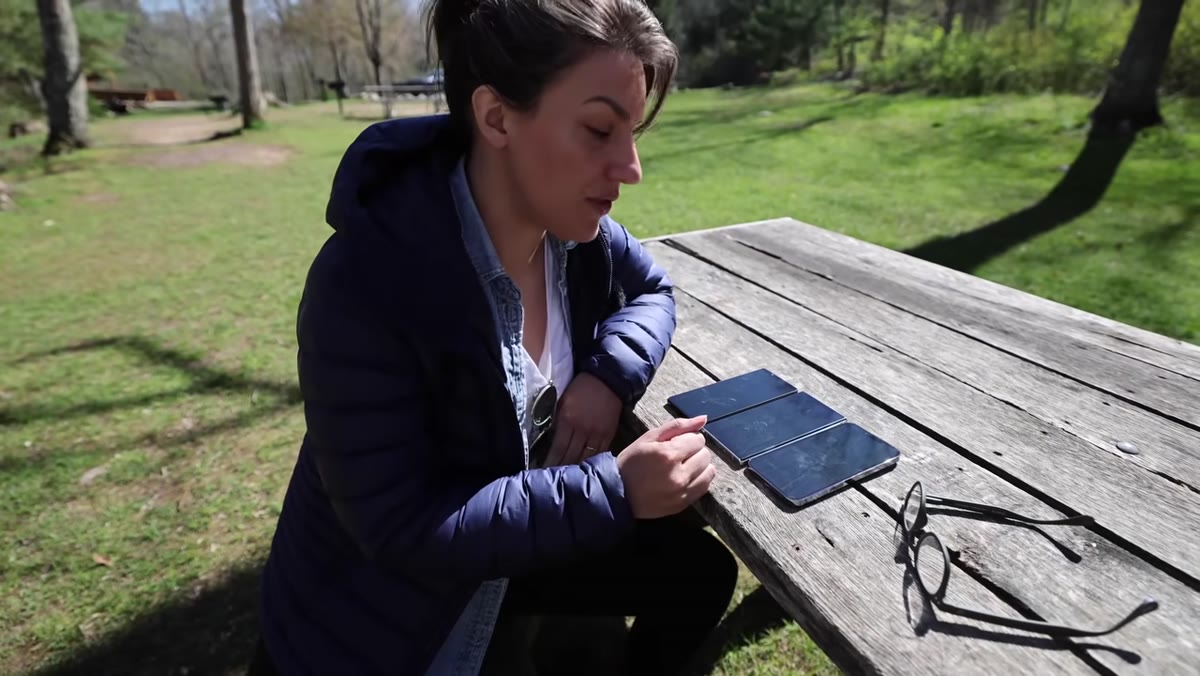 All three phones held in sunlight showing screen visibility
One detail Tony checks that most reviewers skip: screen brightness in direct sunlight. If you can’t see your exposure on the screen, you’re guessing. All three phones perform adequately here, with the Samsung pulling ahead for outdoor visibility. The Xperia holds its own. This isn’t a dealbreaker, but it’s worth knowing before you’re on a shoot in Colorado at noon in August trying to confirm your histogram.
All three phones held in sunlight showing screen visibility
One detail Tony checks that most reviewers skip: screen brightness in direct sunlight. If you can’t see your exposure on the screen, you’re guessing. All three phones perform adequately here, with the Samsung pulling ahead for outdoor visibility. The Xperia holds its own. This isn’t a dealbreaker, but it’s worth knowing before you’re on a shoot in Colorado at noon in August trying to confirm your histogram.
What I’d Add From My Own Testing Experience
The Sony Xperia 1 IV is a photographer’s phone in the same way a manual-only film camera is a photographer’s camera. It rewards people who already understand exposure and composition. It gets out of their way. But if you hand it to someone who just wants to tap and shoot, it won’t automatically produce the most flattering result, whereas the iPhone will.
For my audience, the price-to-value question is real. The Xperia costs more than the iPhone 13 Pro at full retail, and the iPhone is already an expensive device. Where I land: if telephoto reach and physical controls are priorities, the Xperia is genuinely worth considering. If you mostly shoot close-up subjects or want the easiest possible experience, the iPhone wins on those specific terms. The Samsung sits somewhere in between, with great reach and terrible megapixel marketing.
The single most important thing this comparison proves is that processing choices matter more than sensor size or megapixel count. Sony’s more natural, less aggressive image processing consistently produces results that hold up to editing, while the iPhone’s sharpening and saturation decisions bake in a look that’s harder to undo in post.
Watch the full tutorial on YouTube to see the portrait comparisons and the full side-by-side results that Tony and Chelsea walk through. The field footage especially is worth watching frame by frame.
Comments
Leave a Comment