I’ve spent more hours than I want to admit researching used gear deals. Buying secondhand is one of the best ways to stretch a photography budget, but there’s always that nagging question: where did this lens actually come from? I’ve passed on deals that felt off, and I’ve bought things that turned out fine. The difference between those two outcomes often comes down to having the right information at the right time. That’s exactly why Lenstag caught my attention when I came across this KelbyOne tutorial hosted by RC. Watch the full tutorial on YouTube
The tutorial covers two topics, but I want to zero in on the Lenstag walkthrough because it’s genuinely useful and almost nobody talks about it. RC frames it as a public service announcement, and honestly, that framing is right. We research every pixel of a lens review before buying, then do nothing to protect the investment once it’s in our bag. Lenstag is the fix for that, and it costs nothing.
The basic idea is straightforward: Lenstag is a free, global database where you register your cameras, lenses, and other photography gear by serial number. If something gets stolen and later shows up for sale, a buyer who checks the system will see that it’s flagged. RC mentions a case that PetaPixel covered where someone bought a lens, ran the serial number through Lenstag, discovered it was stolen, and actually returned it to the original owner. That story is a perfect argument for why registration matters even if you never get robbed. You’re part of an ecosystem that makes it harder to sell stolen gear, which protects everyone.
Step 1: Create Your Free Account at Lenstag.com
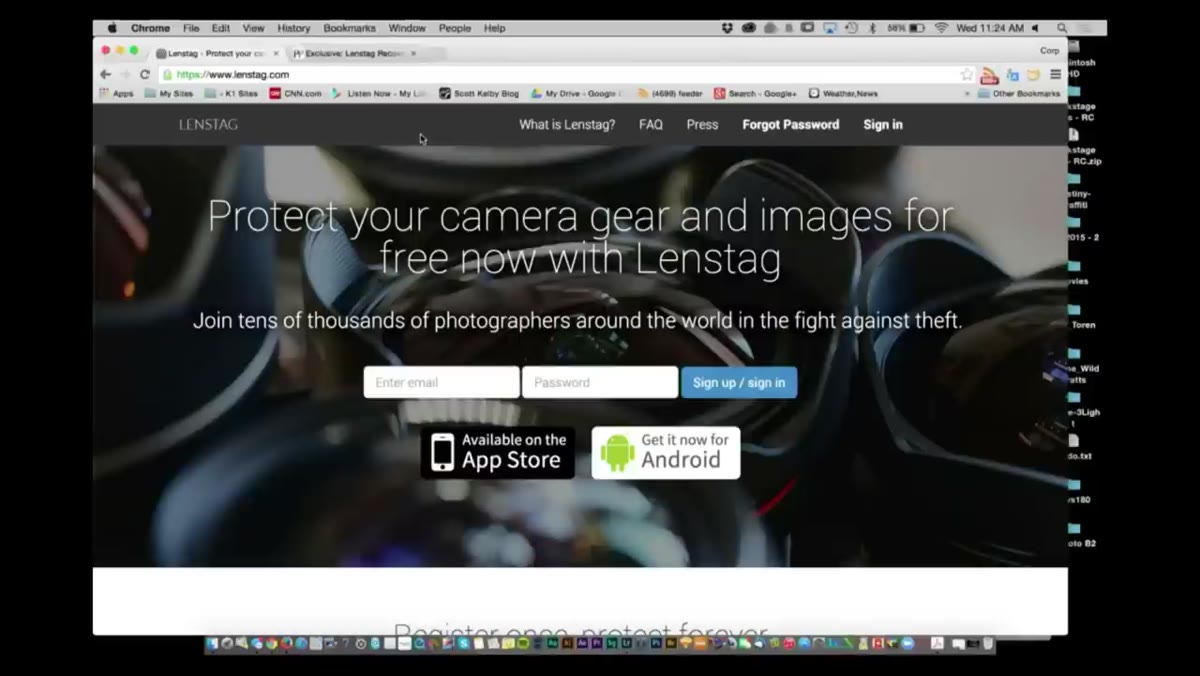 Lenstag website homepage with sign-up option visible
Go to lenstag.com and sign up for a free account. The registration process is standard and quick. Once you’re in, you’ll see options to add gear to your profile. The account is your permanent record, so use an email address you actually check and won’t abandon in two years.
Lenstag website homepage with sign-up option visible
Go to lenstag.com and sign up for a free account. The registration process is standard and quick. Once you’re in, you’ll see options to add gear to your profile. The account is your permanent record, so use an email address you actually check and won’t abandon in two years.
Step 2: Download the Lenstag Mobile App
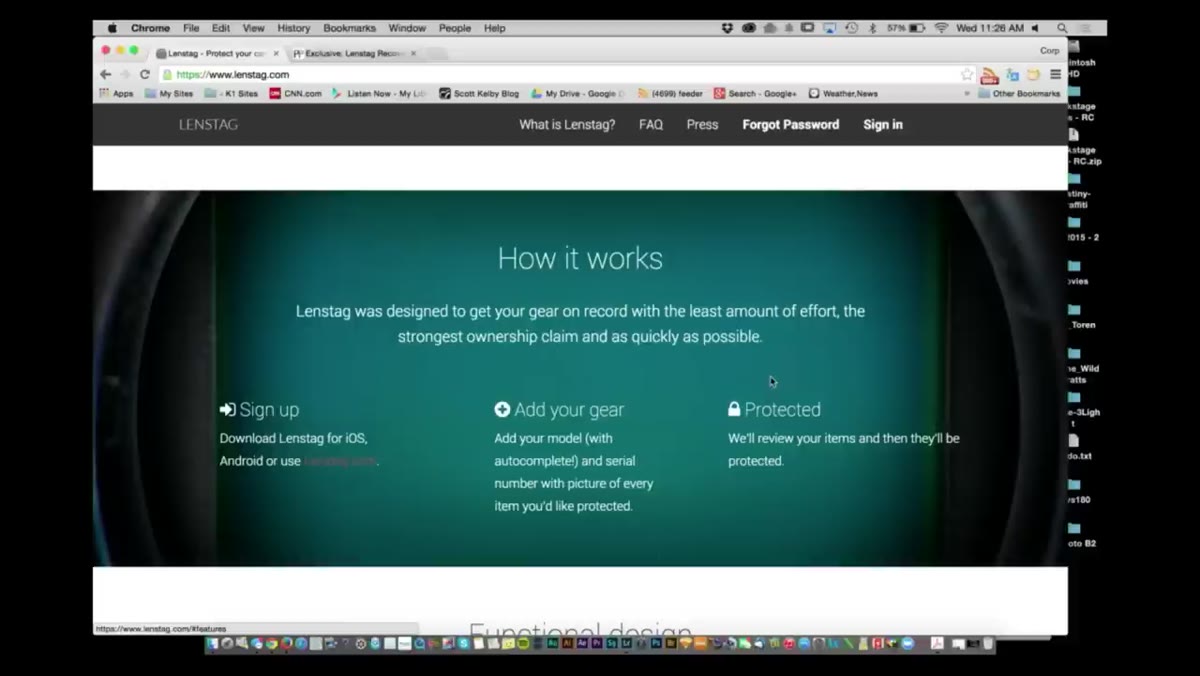 Lenstag app open on phone showing gear list screen
The app is the fastest way to register your gear because it lets you photograph serial numbers directly rather than typing them out manually. RC demonstrates this in the tutorial using his phone, and it’s genuinely the smoothest part of the process. Pull it up from your app store and log in with the same account credentials you just created. Having the app and the web account linked means your records are accessible anywhere.
Lenstag app open on phone showing gear list screen
The app is the fastest way to register your gear because it lets you photograph serial numbers directly rather than typing them out manually. RC demonstrates this in the tutorial using his phone, and it’s genuinely the smoothest part of the process. Pull it up from your app store and log in with the same account credentials you just created. Having the app and the web account linked means your records are accessible anywhere.
Step 3: Start Adding Your Gear
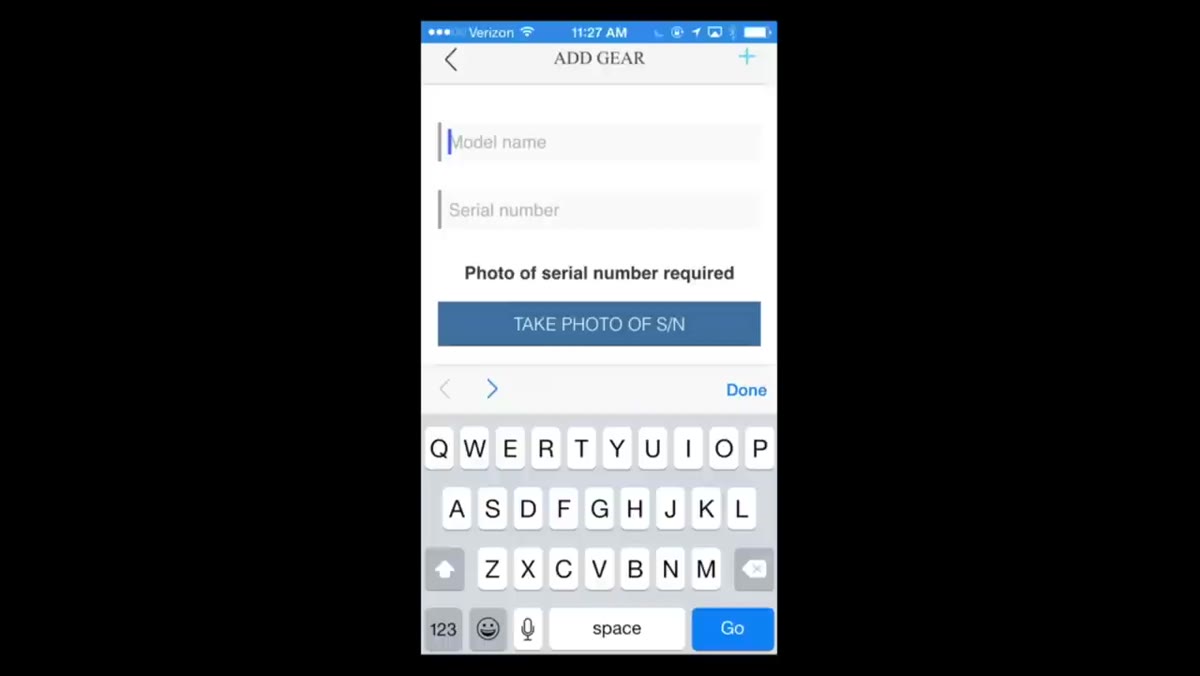 App interface with Canon 5D Mark II entry in progress
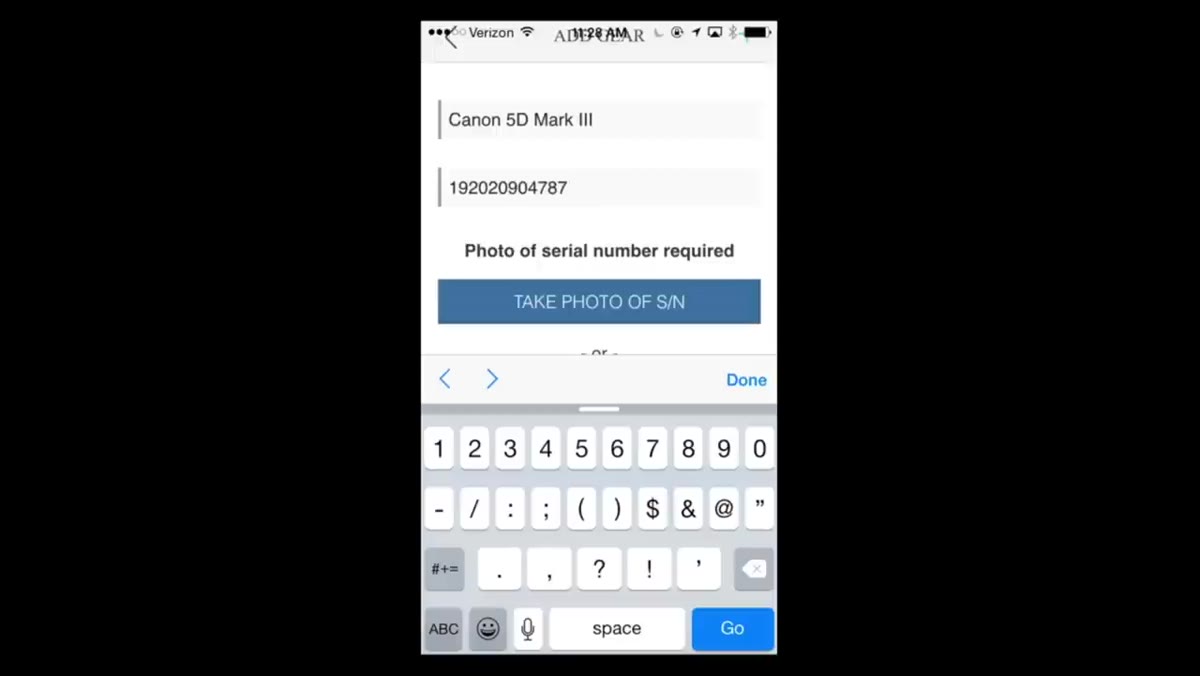
Tap the add button inside the app and start entering your equipment. RC walks through adding a Canon 5D Mark II as an example. You’ll search for the make and model, select it from the list, and then move on to the serial number. Work through every camera body, every lens, and any other significant piece of photography hardware you own. Flash units, tripod heads with serial numbers, and monitors all qualify. If it has a serial number and cost you real money, it belongs in here.
App interface with Canon 5D Mark II entry in progress
Tap the add button inside the app and start entering your equipment. RC walks through adding a Canon 5D Mark II as an example. You’ll search for the make and model, select it from the list, and then move on to the serial number. Work through every camera body, every lens, and any other significant piece of photography hardware you own. Flash units, tripod heads with serial numbers, and monitors all qualify. If it has a serial number and cost you real money, it belongs in here.
Step 4: Enter and Photograph the Serial Number
 App camera activated to photograph a serial number on gear
This is the step that makes the mobile app worth using. Once you’ve selected the gear model, the app prompts you for the serial number and gives you the option to photograph it directly. Point the camera at the serial number plate on your equipment and capture it. The app uploads the image as part of your registration record, which means you have visual proof tied to that entry. If you ever need to file an insurance claim or a police report, having a photo of the serial number in a timestamped cloud record is far more useful than trying to find a box you threw away three years ago.
App camera activated to photograph a serial number on gear
This is the step that makes the mobile app worth using. Once you’ve selected the gear model, the app prompts you for the serial number and gives you the option to photograph it directly. Point the camera at the serial number plate on your equipment and capture it. The app uploads the image as part of your registration record, which means you have visual proof tied to that entry. If you ever need to file an insurance claim or a police report, having a photo of the serial number in a timestamped cloud record is far more useful than trying to find a box you threw away three years ago.
Step 5: Wait for Lenstag to Verify the Item
 Confirmation screen after serial number photo is uploaded
After submission, Lenstag reviews the item against their existing database to check that the serial number isn’t already flagged as stolen. This step is what gives the system its credibility. You’re not just making a private note for yourself. You’re contributing to a verified, shared database. RC points out that once the verification clears, you also get access to current market values for your registered gear, both new and used. That alone is useful if you’re trying to sell something and want to price it fairly, or if you’re shopping used and want a reference point.
Confirmation screen after serial number photo is uploaded
After submission, Lenstag reviews the item against their existing database to check that the serial number isn’t already flagged as stolen. This step is what gives the system its credibility. You’re not just making a private note for yourself. You’re contributing to a verified, shared database. RC points out that once the verification clears, you also get access to current market values for your registered gear, both new and used. That alone is useful if you’re trying to sell something and want to price it fairly, or if you’re shopping used and want a reference point.
Step 6: Repeat for Every Piece of Gear You Own
 Multiple items visible in the Lenstag gear list after registration
This step sounds obvious but it’s where most people drop off. They register one camera body, feel good about it, and never finish. RC is clear that the value of the system scales with how complete your records are. Set aside 20 minutes, lay out all your gear on a table, and go through it piece by piece. Treat it like building a spreadsheet. Once it’s done, you only need to add new items as you acquire them.
Multiple items visible in the Lenstag gear list after registration
This step sounds obvious but it’s where most people drop off. They register one camera body, feel good about it, and never finish. RC is clear that the value of the system scales with how complete your records are. Set aside 20 minutes, lay out all your gear on a table, and go through it piece by piece. Treat it like building a spreadsheet. Once it’s done, you only need to add new items as you acquire them.
What Lenstag Doesn’t Replace
Lenstag is a registration and recovery tool, not an insurance policy. If your bag gets grabbed, the system increases the odds that the gear surfaces and gets traced back to you, but it doesn’t guarantee recovery and it doesn’t pay you back for the loss. Pair it with a renter’s or homeowner’s insurance policy that explicitly covers camera equipment, or look into dedicated photo gear insurance if you’re shooting professionally. I’ve priced out a few of those options, and for working photographers, the annual cost is usually less than a single lens replacement. Lenstag handles the identification layer. Insurance handles the financial layer. You need both.
The single most important habit this tutorial reinforced for me is registering gear the same day you get it, before you ever put it in a bag and walk out the door. Stolen gear rarely comes back. When it does, it’s almost always because someone had a record to check against. Set up your Lenstag account, spend the time once, and stop hoping nothing goes wrong.
Watch the full tutorial on YouTube for RC’s complete walkthrough, plus his segment on using wide versus long lenses in portrait photography.
Comments (4)
This is going in my reference folder. Incredibly useful.
Couldn't agree more. I've seen this make a huge difference in workflows work specifically.
Just used this on a wedding shoot edit. Client was thrilled.
Shared this with my photography group. Everyone loved it.
Leave a Comment