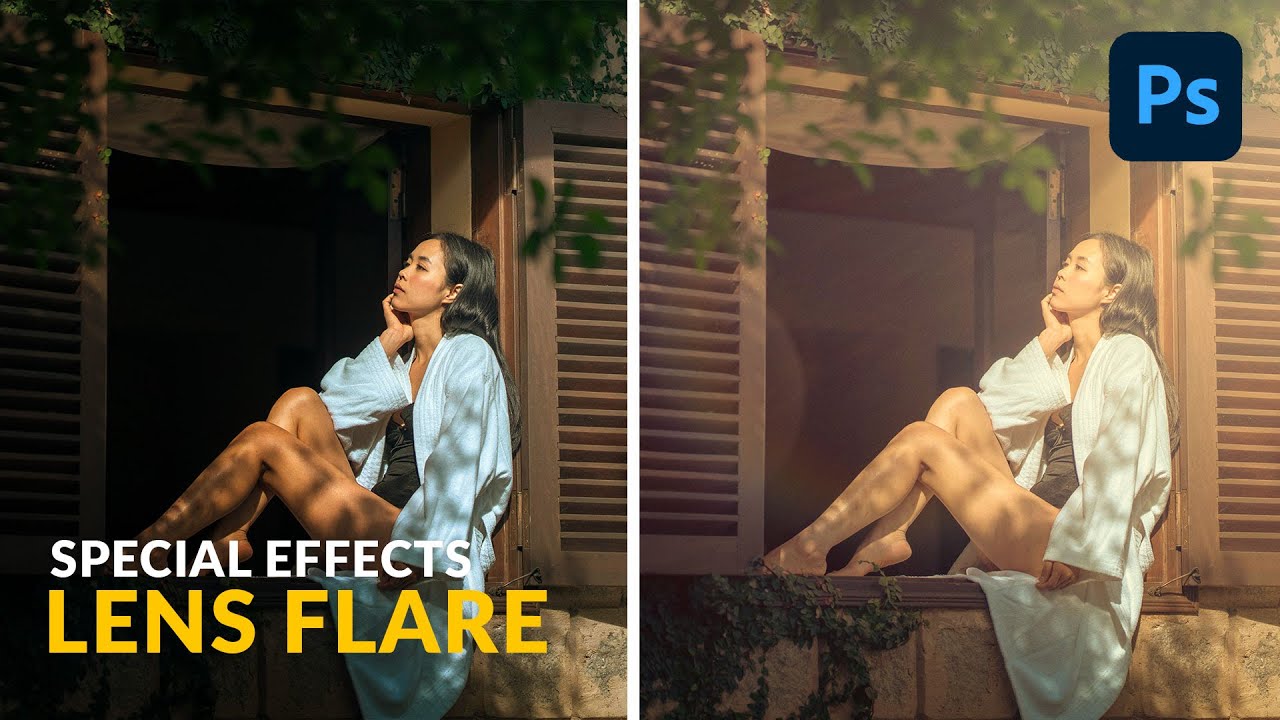
How to Fake a Cinematic Lens Flare in Photoshop (Without Buying Anything)

How to Fake a Cinematic Lens Flare in Photoshop (Without Buying Anything)

There’s a specific look that makes a portrait feel like it was shot on a perfect July afternoon, golden light bleeding in from one side, a soft haze washing out the corner, warmth you can practically feel. Clients love it. The problem is you can’t always manufacture that on location, and buying a dedicated lens just to get natural flare is the kind of gear logic I’ve been arguing against since I started this site.
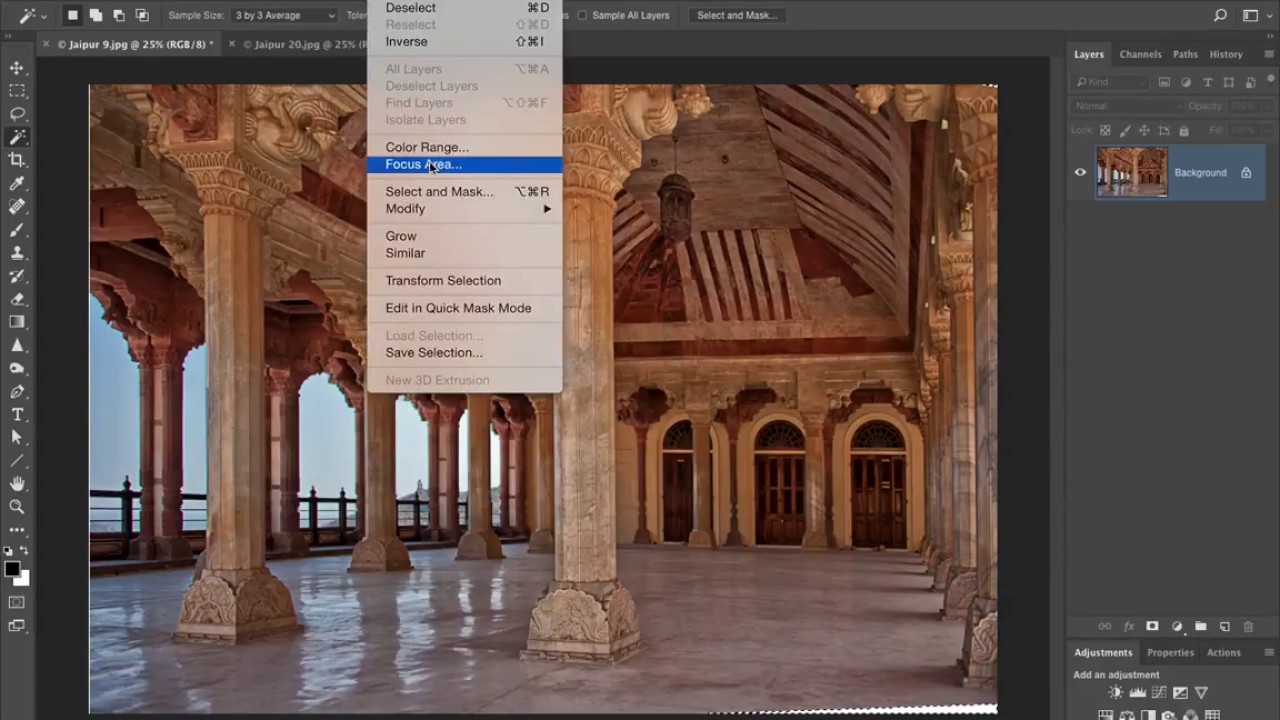
Stop Fighting Crooked Architecture Photos — Photoshop's Guided Upright Actually Fixes Them

Stop Fighting Crooked Architecture Photos — Photoshop's Guided Upright Actually Fixes Them

Wide-angle lenses are some of the best value in photography. A 28mm prime for a couple hundred bucks will outperform kit glass on architecture, interiors, and street work all day long. But anyone who shoots buildings with a wide lens knows the tax you pay for that field of view: vertical lines that lean, columns that taper, whole walls that look like they’re about to fall over. I’ve shot interiors with a $180 lens that produced images I was genuinely proud of, and every single one needed some geometry work before it was ready to share.