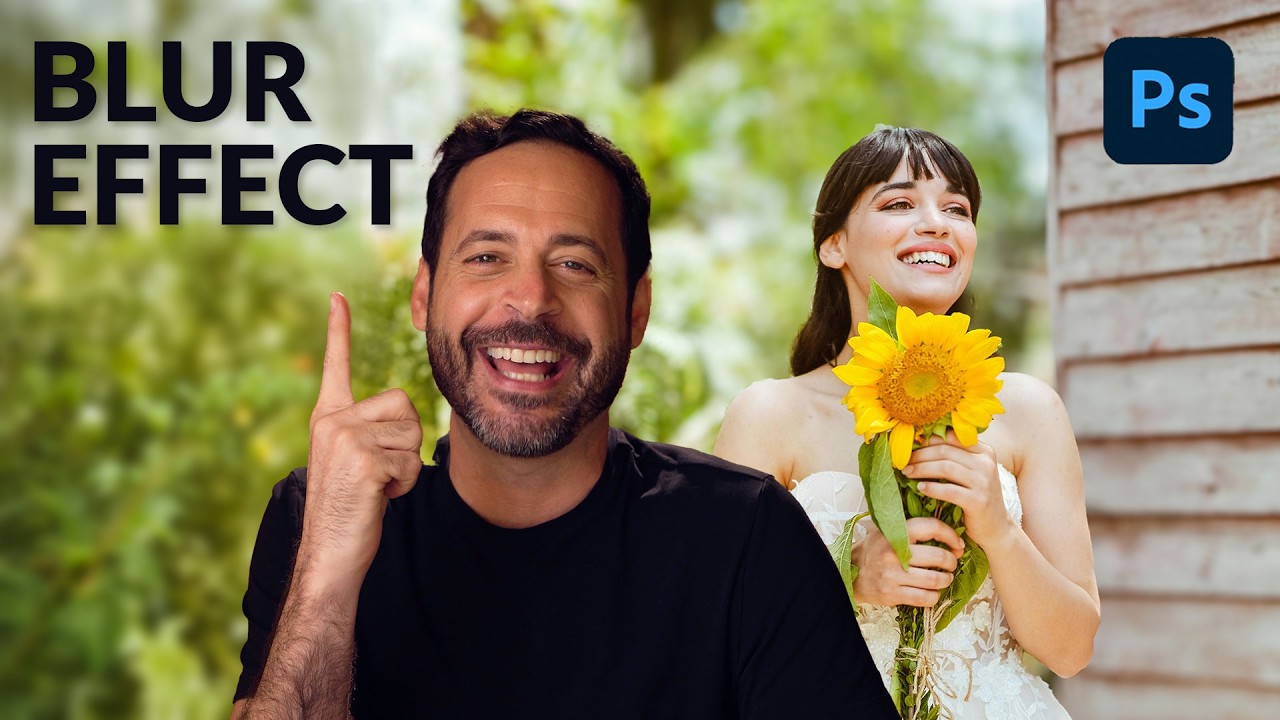
How to Fake a Better Lens with Photoshop's AI Lens Blur (And Why It Actually Works)

How to Fake a Better Lens with Photoshop's AI Lens Blur (And Why It Actually Works)

I’ll be honest with you: I’ve spent an embarrassing amount of money chasing shallow depth of field. Budget lenses, fast primes, crop sensor math, the whole rabbit hole. So when Lightroom dropped its AI lens blur feature and photographers started losing their minds over it, my first thought wasn’t “cool new toy.” It was “does this actually hold up, or is it going to look like a phone portrait mode gone wrong?
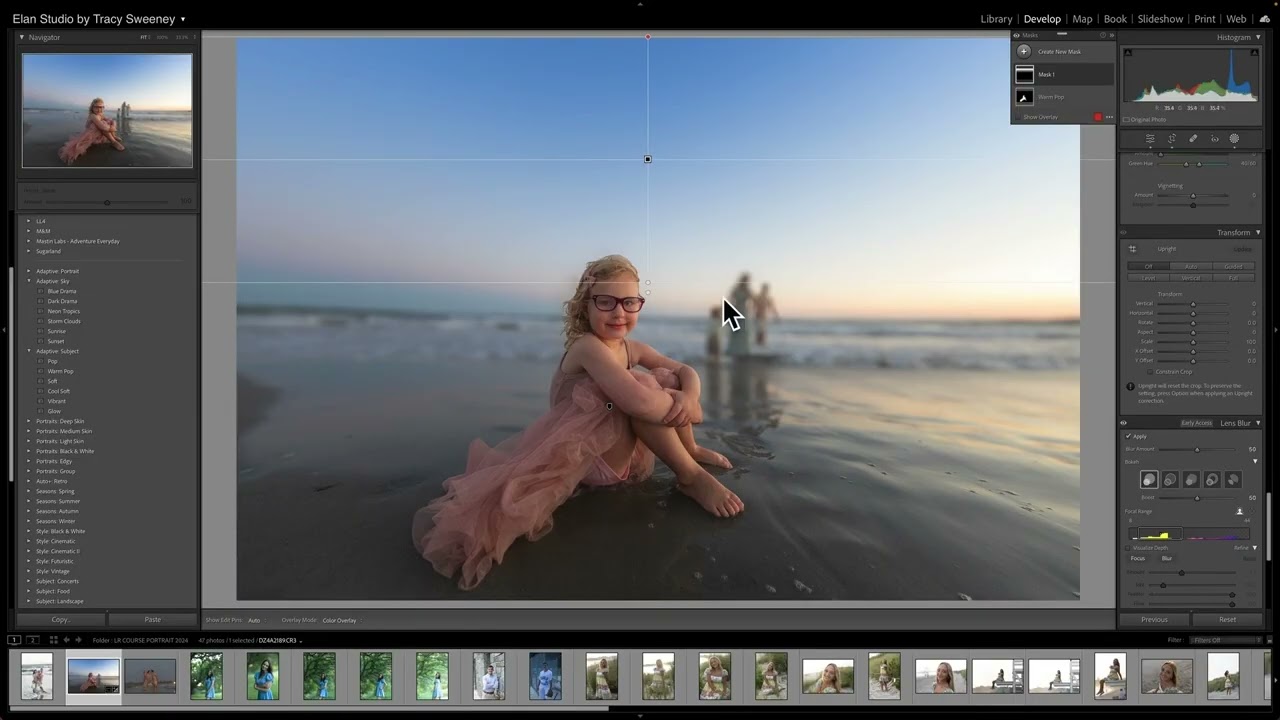
Fake the Bokeh: How to Add Lens Blur in Lightroom Without a Prime Lens

Fake the Bokeh: How to Add Lens Blur in Lightroom Without a Prime Lens

I shoot on a budget. That’s literally my whole thing. And one of the most common complaints I hear from readers who are working with kit lenses or slower zooms is that they can’t get that soft, blurry background that makes portraits look polished and intentional. They think the only answer is to drop $400 on a fast prime. I’ve been there. I still remember agonizing over whether to buy a 50mm f/1.