Lightroom vs Capture One vs DxO: Which Editing Software Is Actually Worth Paying For?

Lightroom vs Capture One vs DxO: Which Editing Software Is Actually Worth Paying For?

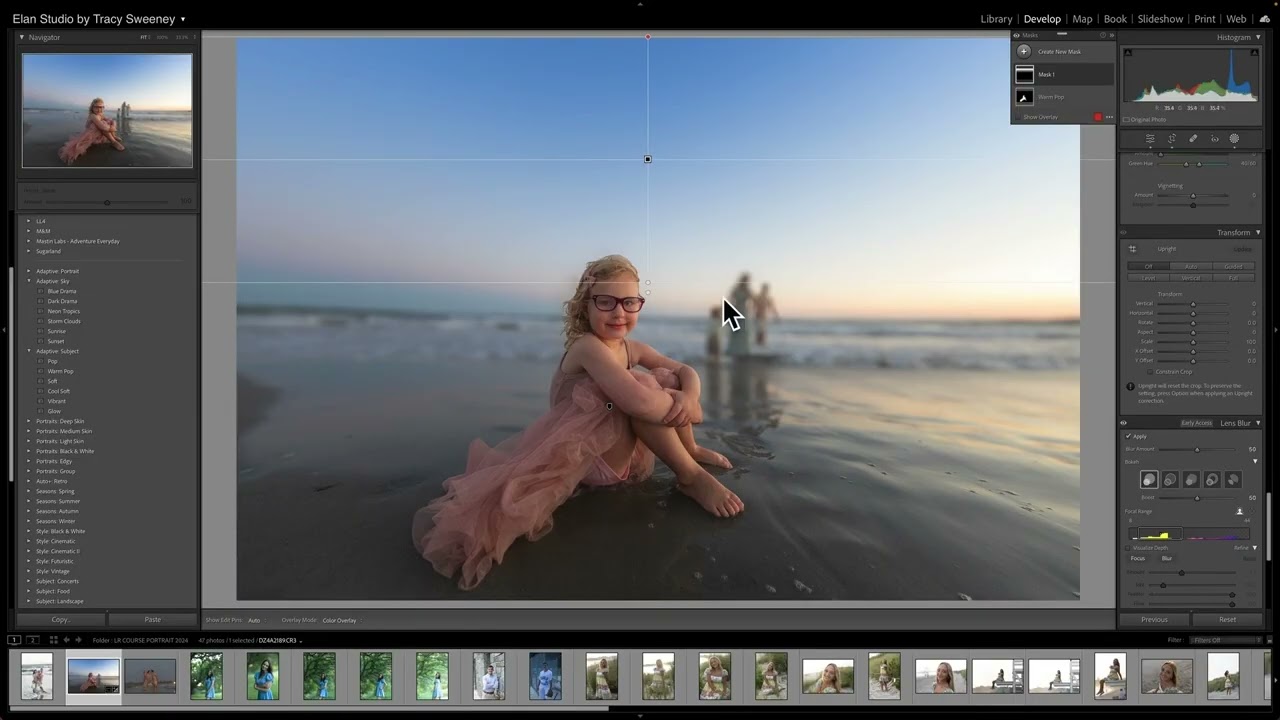
I spent three hours last Tuesday doing something I’m not proud of: recalculating my annual software subscriptions while my actual photos sat unedited on my hard drive. When you add up Lightroom at $9.99/month (bundled with Photoshop through the Photography Plan at $119.88/year), Capture One’s subscription at $179/year, and the one-time purchase I made for DxO PhotoLab 7 at $219, the numbers get uncomfortable fast. And that’s before you factor in Luminar Neo or any of the AI-upscaling tools that keep landing in my inbox.

Stop Blowing Out Your Highlights: A Practical Lightroom Fix That Takes 10 Seconds

Stop Blowing Out Your Highlights: A Practical Lightroom Fix That Takes 10 Seconds

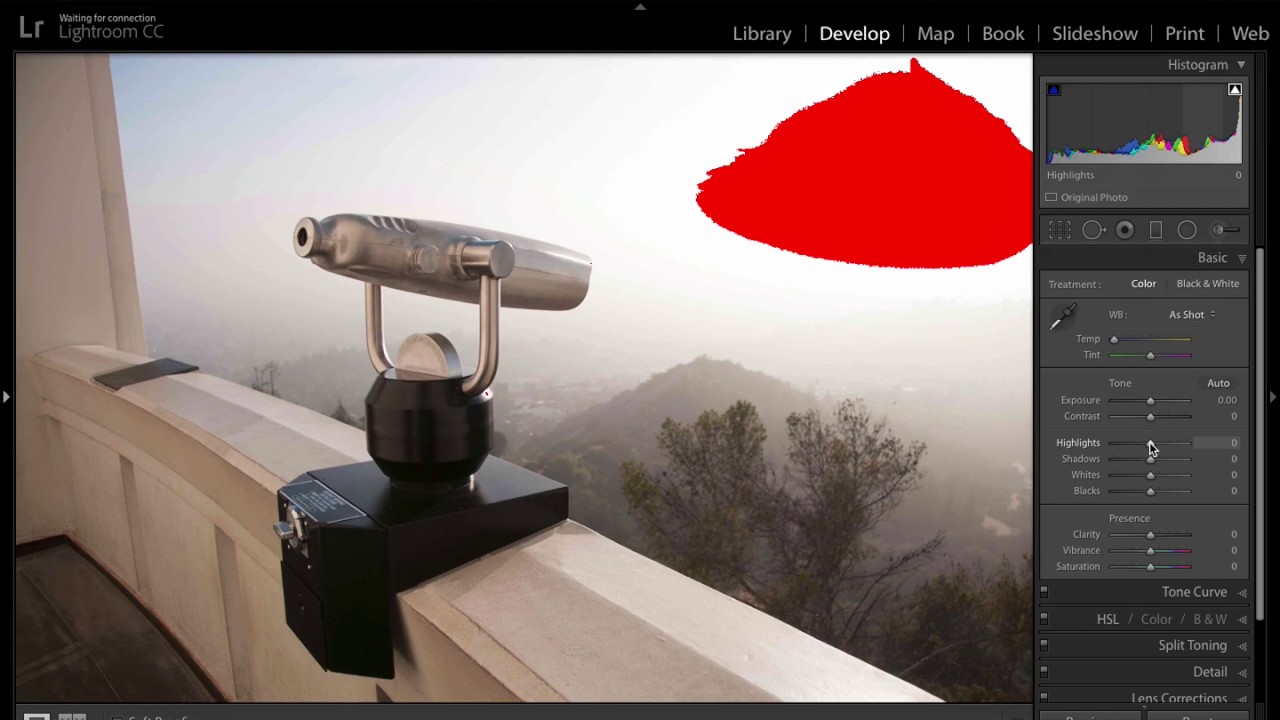
Blown-out highlights are one of those problems that can quietly ruin an otherwise great shot. You nail the composition, the light is interesting, and then you open the file in Lightroom and there’s a dead white patch eating through the brightest part of the frame. No detail. No texture. Just nothing. I’ve trashed more keepers than I’d like to admit because I didn’t have a clean, fast workflow for handling this, and I kept reaching for the wrong tool first.

Edit Faster in Lightroom: Keyboard Shortcuts and the Loupedeck+ Explained

Edit Faster in Lightroom: Keyboard Shortcuts and the Loupedeck+ Explained

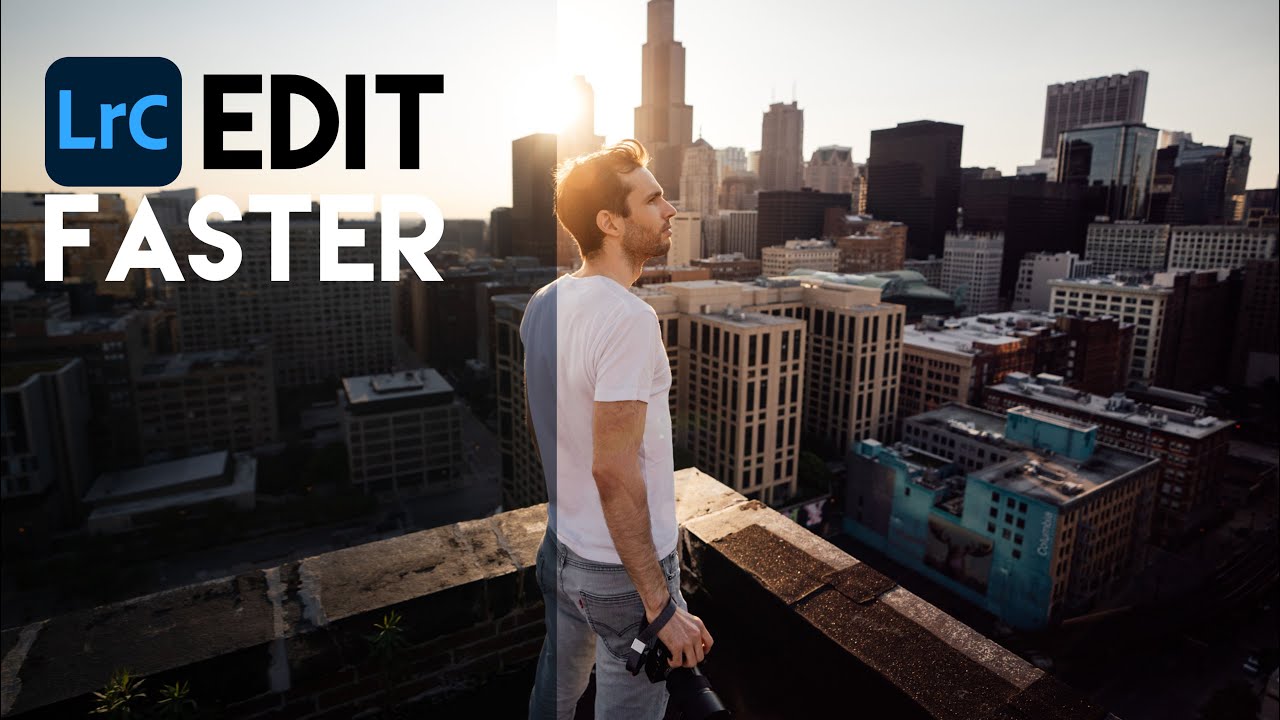
Speed is the thing nobody talks about when they teach editing. Tutorials love to obsess over which preset looks most cinematic or how many luminosity masks you should stack, but the real killer of a good editing session is friction. Every time you reach for a slider with your mouse, hunt for a panel, or break your visual focus to click something, you’re slowing down your creative momentum. I’ve felt this acutely working through large batches of photos where the difference between a productive evening and a frustrating one is almost entirely about how efficiently I can move through images.

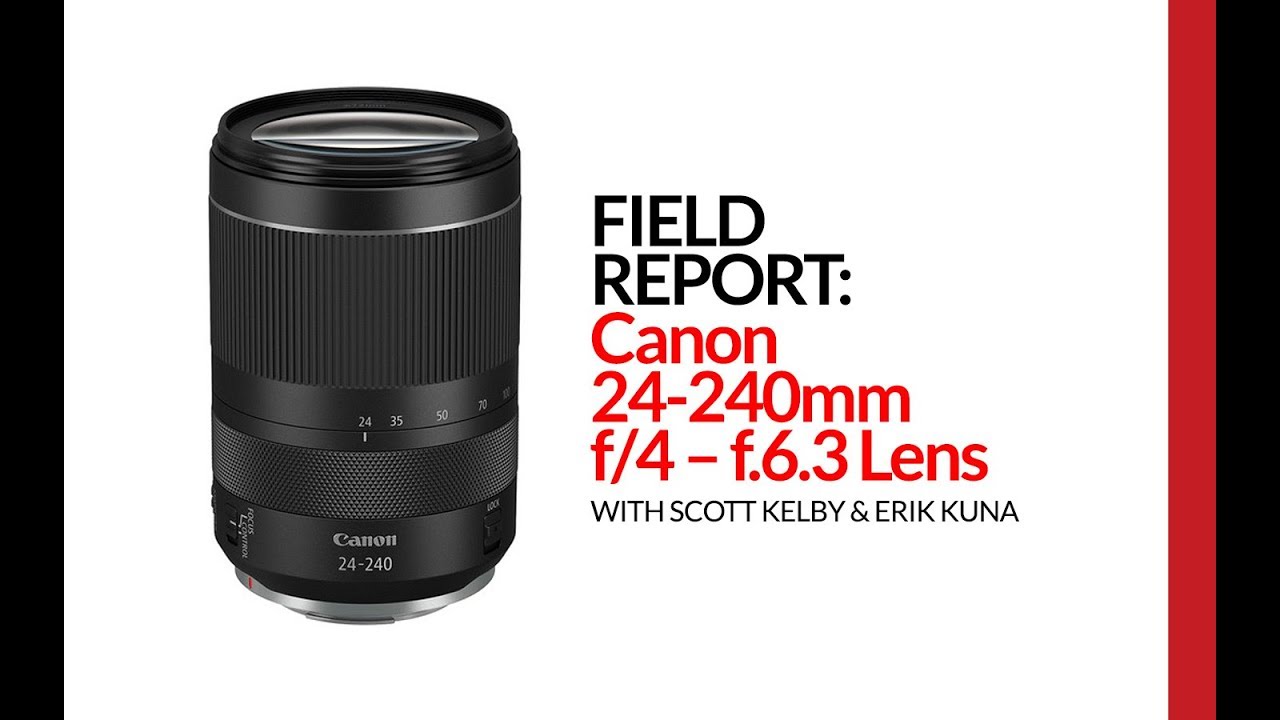
Canon 24-240mm for Mirrorless: A Real-World Field Report (And the One Reason You Might Want to Skip It)

Canon 24-240mm for Mirrorless: A Real-World Field Report (And the One Reason You Might Want to Skip It)

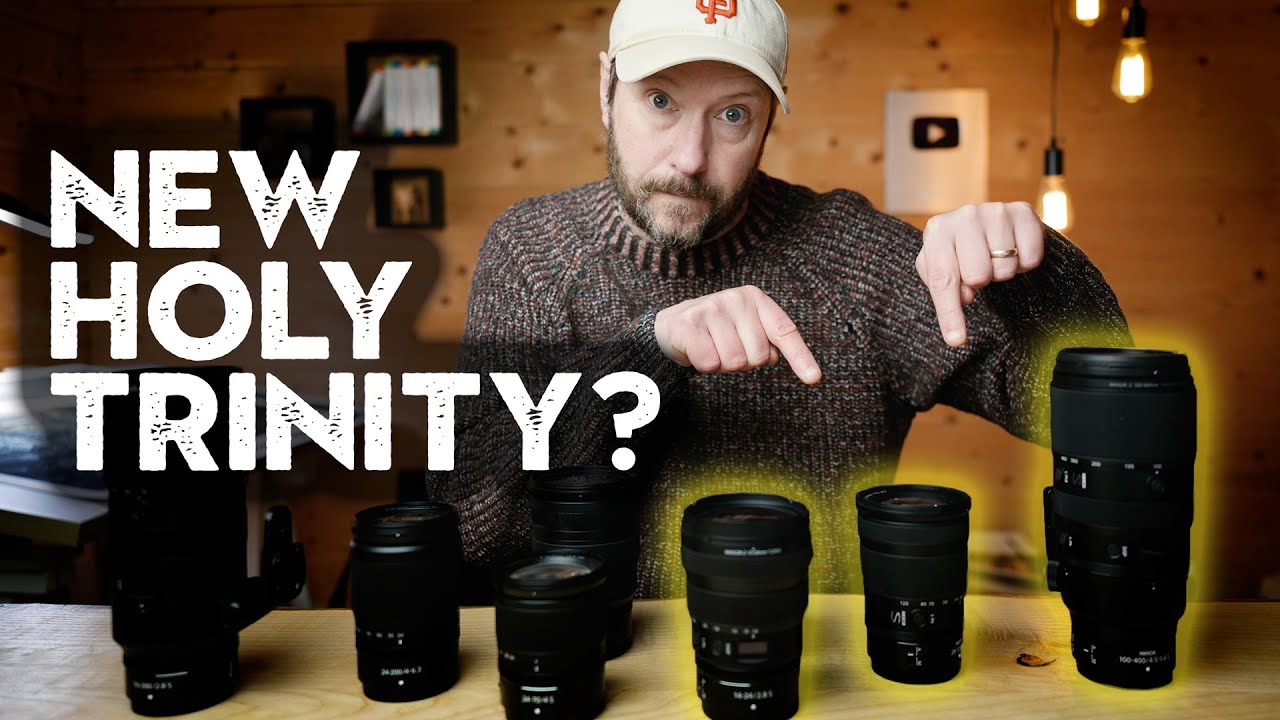
I have a rule I follow when evaluating any zoom lens: if it makes you stop reaching for your other glass, it’s doing its job. That’s a high bar. Most budget superzooms feel like compromises from the moment you put them on the camera. You keep thinking about the sharper prime sitting in your bag. So when Scott Kelby came back from a 10-day trip to China having barely touched his 16-35mm, I paid attention.