Fake It 'Til It's Film: Adding Light Leaks and Lens Flares in Photoshop

Fake It 'Til It's Film: Adding Light Leaks and Lens Flares in Photoshop

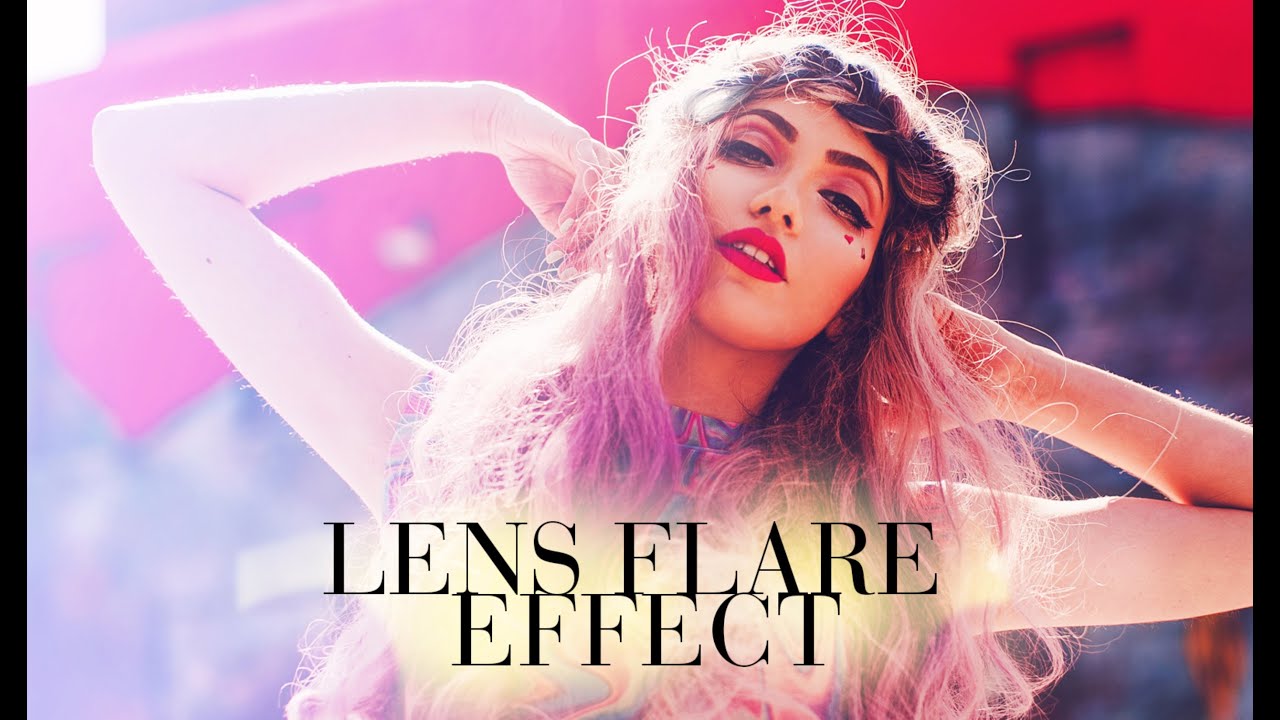
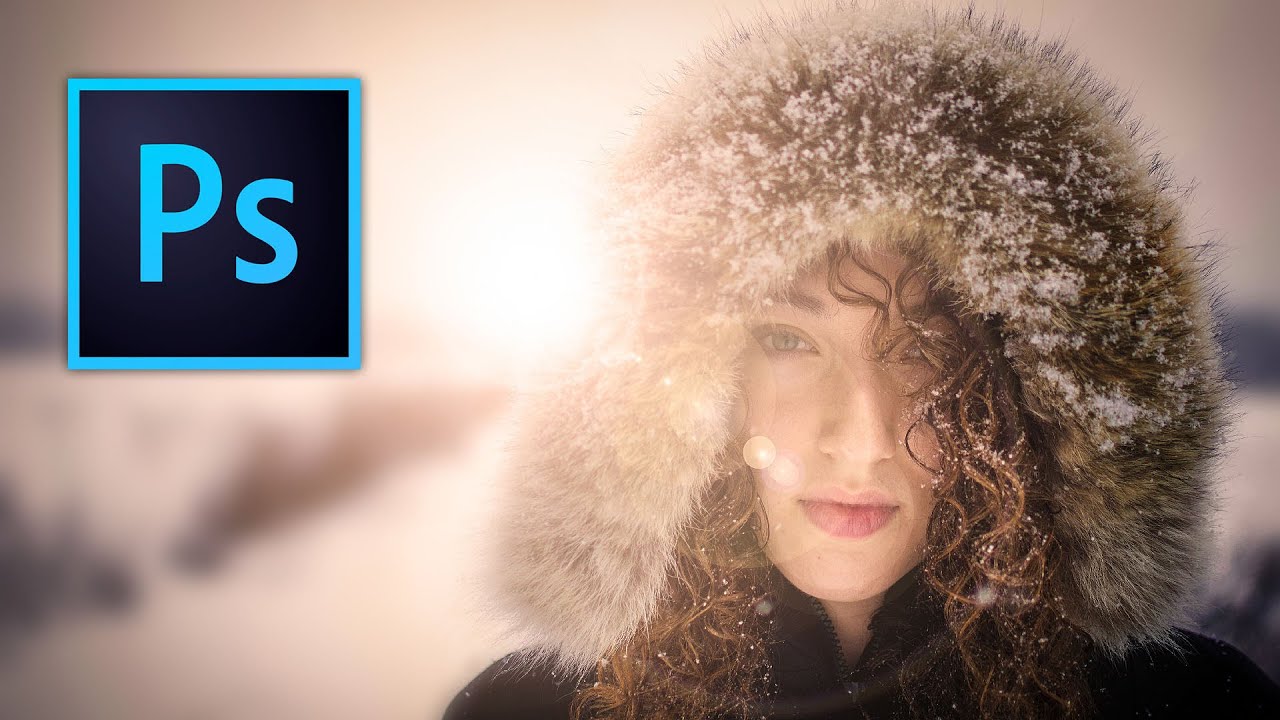
I spent an embarrassing amount of time buying cheap lens filters trying to get that washed-out, analog warmth in-camera. Spent maybe $40 total across four different options, none of which gave me consistent results. The effect I was chasing the whole time was achievable in Photoshop in about ten minutes, and I only figured that out when I sat down with this Aaron Nace tutorial from PHLEARN. Watch the full tutorial on YouTube

Stop Fighting Crooked Architecture Photos — Photoshop's Guided Upright Actually Fixes Them

Stop Fighting Crooked Architecture Photos — Photoshop's Guided Upright Actually Fixes Them

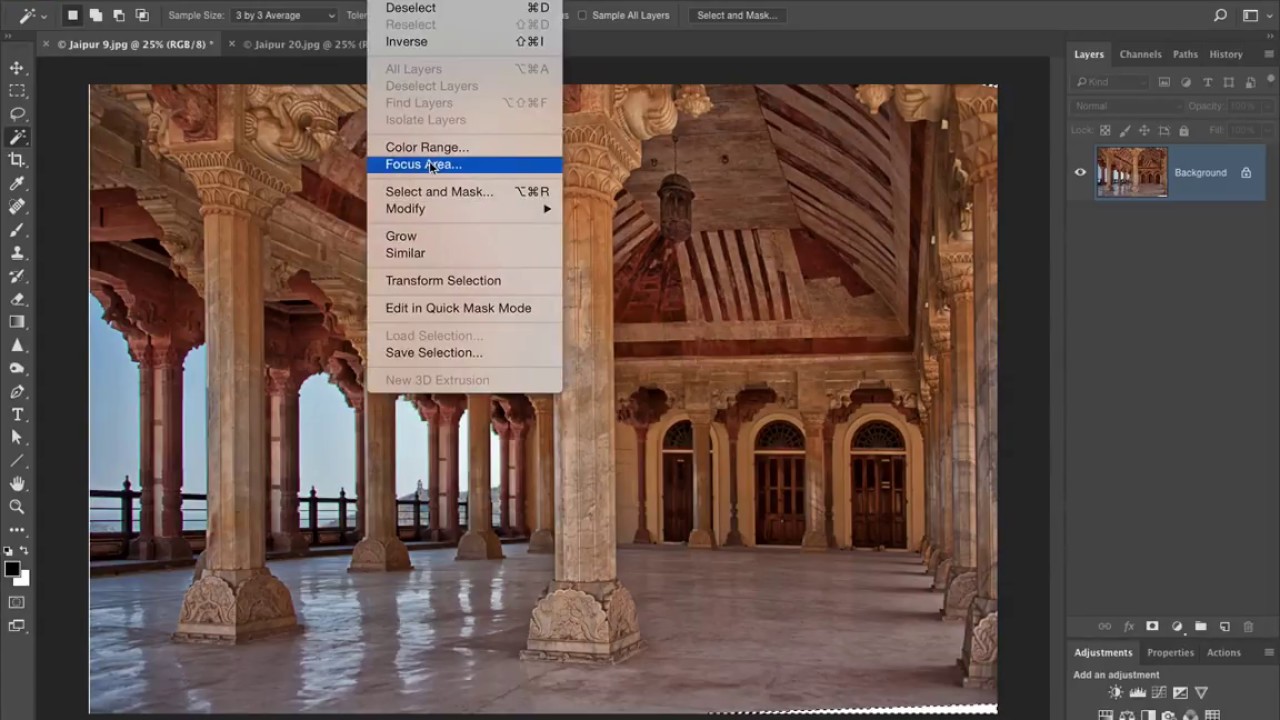
Wide-angle lenses are some of the best value in photography. A 28mm prime for a couple hundred bucks will outperform kit glass on architecture, interiors, and street work all day long. But anyone who shoots buildings with a wide lens knows the tax you pay for that field of view: vertical lines that lean, columns that taper, whole walls that look like they’re about to fall over. I’ve shot interiors with a $180 lens that produced images I was genuinely proud of, and every single one needed some geometry work before it was ready to share.

Stop Making Lens Flares Look Fake: A Photoshop Technique That Actually Works

Stop Making Lens Flares Look Fake: A Photoshop Technique That Actually Works

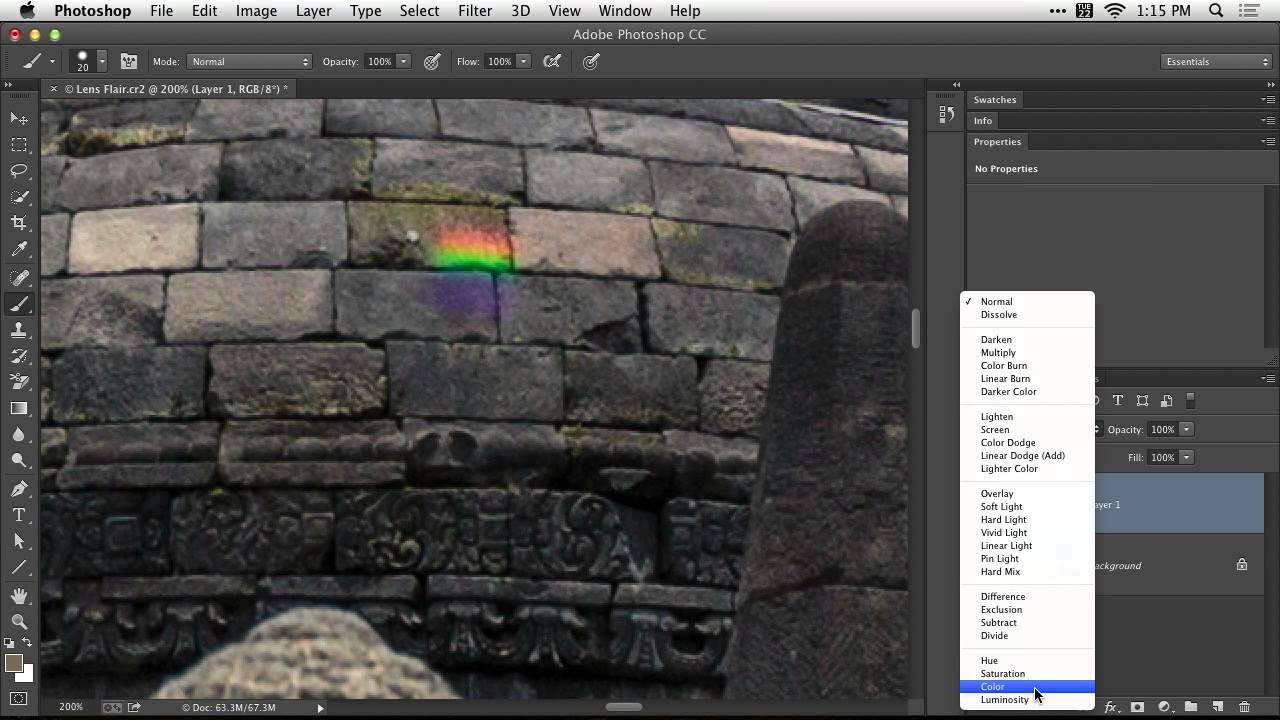
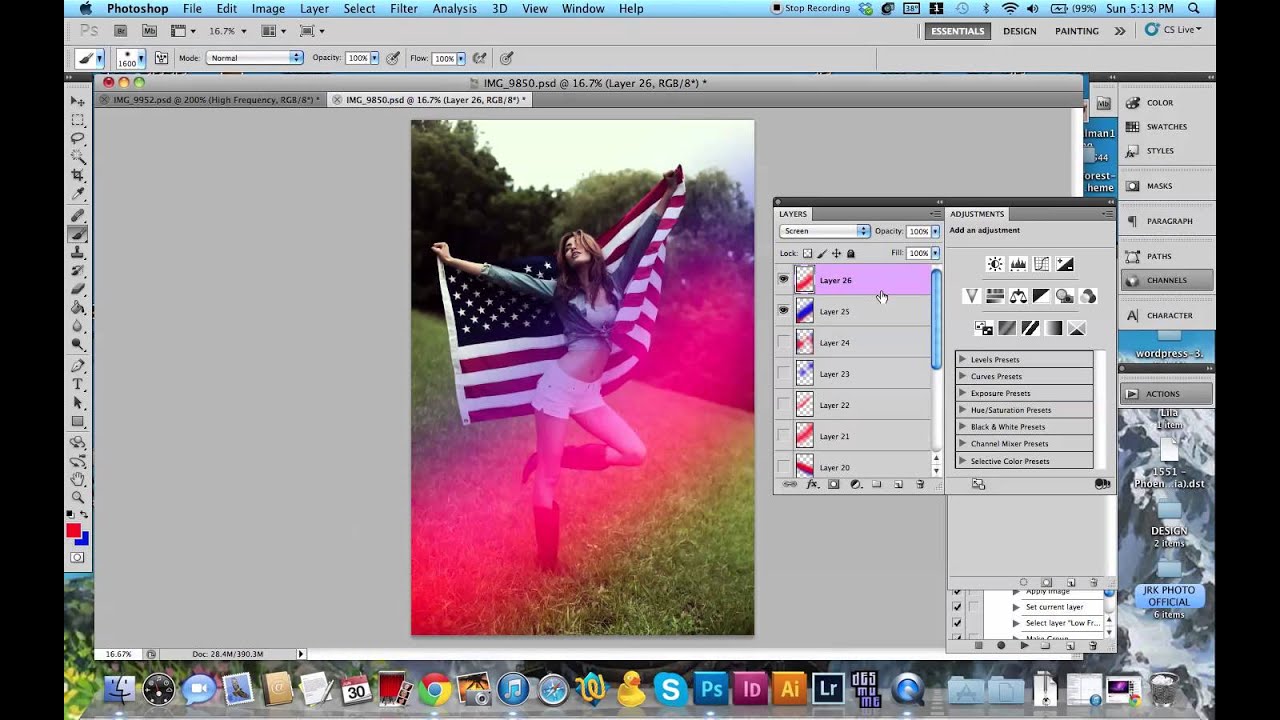
Lens flares are one of those effects that photographers either overuse into oblivion or avoid entirely because they’ve seen too many bad examples. I’ve been guilty of both. The overuse phase hit me hard around year two of shooting, and the avoidance phase lasted a lot longer than it should have. What changed my mind was stumbling across a technique that treats the lens flare not as a gimmick slapped on top of a photo, but as a lighting tool that earns its place in the image.

The Best Editing Software for Photographers in 2024—Stop Overpaying for Features You Don't Use

The Best Editing Software for Photographers in 2024—Stop Overpaying for Features You Don't Use

I’ve spent the last decade testing editing software, and I’m tired of watching photographers throw money at Adobe’s subscription while using 10% of Lightroom’s features. Let me cut through the hype and tell you what actually matters. The Adobe Trap Nobody Talks About Look, Adobe makes solid software. Lightroom and Photoshop work well together. But $55 a month for both? That’s $660 a year, and most working photographers don’t need both.