How to Paint Out Lens Flare in Photoshop Using Color Blend Mode (No Messy Selections Required)

How to Paint Out Lens Flare in Photoshop Using Color Blend Mode (No Messy Selections Required)

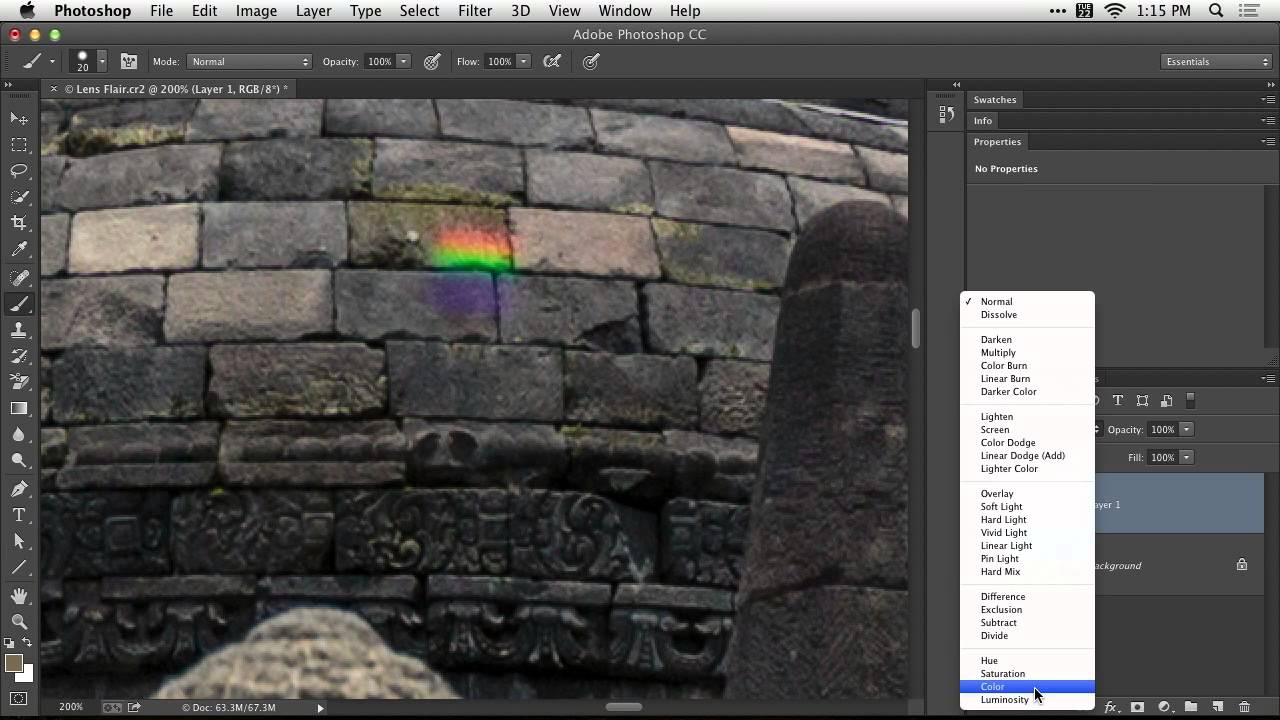
Lens flare is one of those problems that looks almost unfixable after the fact. You’re shooting into the light, the sun clips your front element, and suddenly there’s a smear of color across your subject that has nothing to do with the actual scene. I’ve lost more than a few otherwise solid shots to it, especially shooting outdoors with budget glass that doesn’t have the best coatings. Most of the quick fixes I’ve tried either smear the detail underneath or leave an obvious patch where the texture goes flat.


How to Put a Lens Flare on Its Own Layer in Photoshop (So You Can Actually Control It)

How to Put a Lens Flare on Its Own Layer in Photoshop (So You Can Actually Control It)

If you’ve ever applied Photoshop’s built-in lens flare filter and immediately regretted where you put it, you’re not alone. The filter has one deeply annoying limitation: it bakes directly onto whatever layer you’re working on, and if that layer is empty, Photoshop won’t even let you run it. You’re stuck either flattening your whole image first or stamping a visible layer just to have something for the filter to grab onto.

The Edit Is Half the Photo: Chelsea Northrup's Step-by-Step Workflow for Natural-Looking Results

The Edit Is Half the Photo: Chelsea Northrup's Step-by-Step Workflow for Natural-Looking Results

I used to think good editing meant heavy editing. Crank the clarity, push the saturation, slap on a preset, done. It took me an embarrassingly long time to figure out that the best edits are the ones that look like you didn’t edit at all. They just make the photo feel more like what you actually saw when you pressed the shutter. That’s exactly what Chelsea Northrup demonstrates in this tutorial, and it reframed how I think about the entire post-processing step.

iPad Pro as a Travel Editing Powerhouse: A Practical Walkthrough with Lightroom Mobile

iPad Pro as a Travel Editing Powerhouse: A Practical Walkthrough with Lightroom Mobile

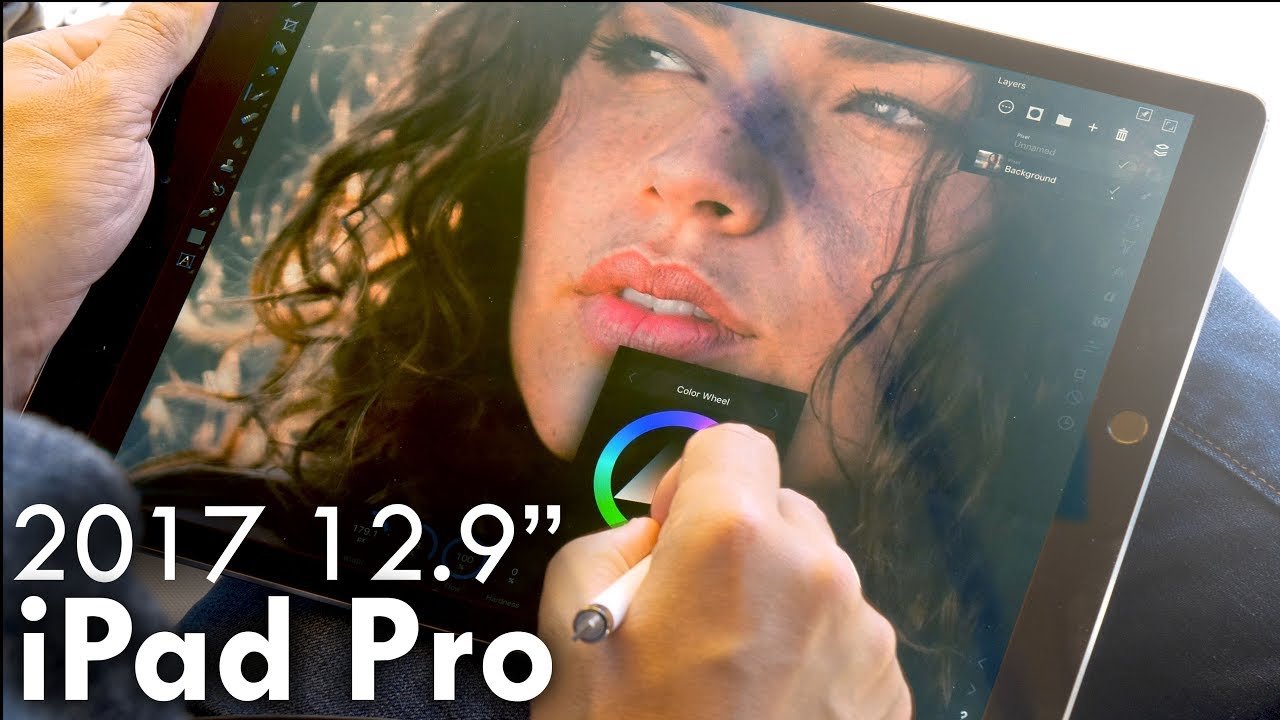
I’ll be honest: I spent years assuming the iPad was a consumption device. You watch videos on it. You scroll Instagram. You do not edit RAW files on it at a professional level. That assumption cost me a lot of unnecessary weight in my camera bag and a lot of frustrating evenings hunched over a hot laptop in hotel rooms, waiting for Lightroom to catch up with me. Then I came across a Tony & Chelsea Northrup tutorial where Tony walks through his full photo editing workflow on the 12.

How to Fake a Lens Flare in Photoshop Using Gradients and Layer Blending (No Plugin Required)

How to Fake a Lens Flare in Photoshop Using Gradients and Layer Blending (No Plugin Required)

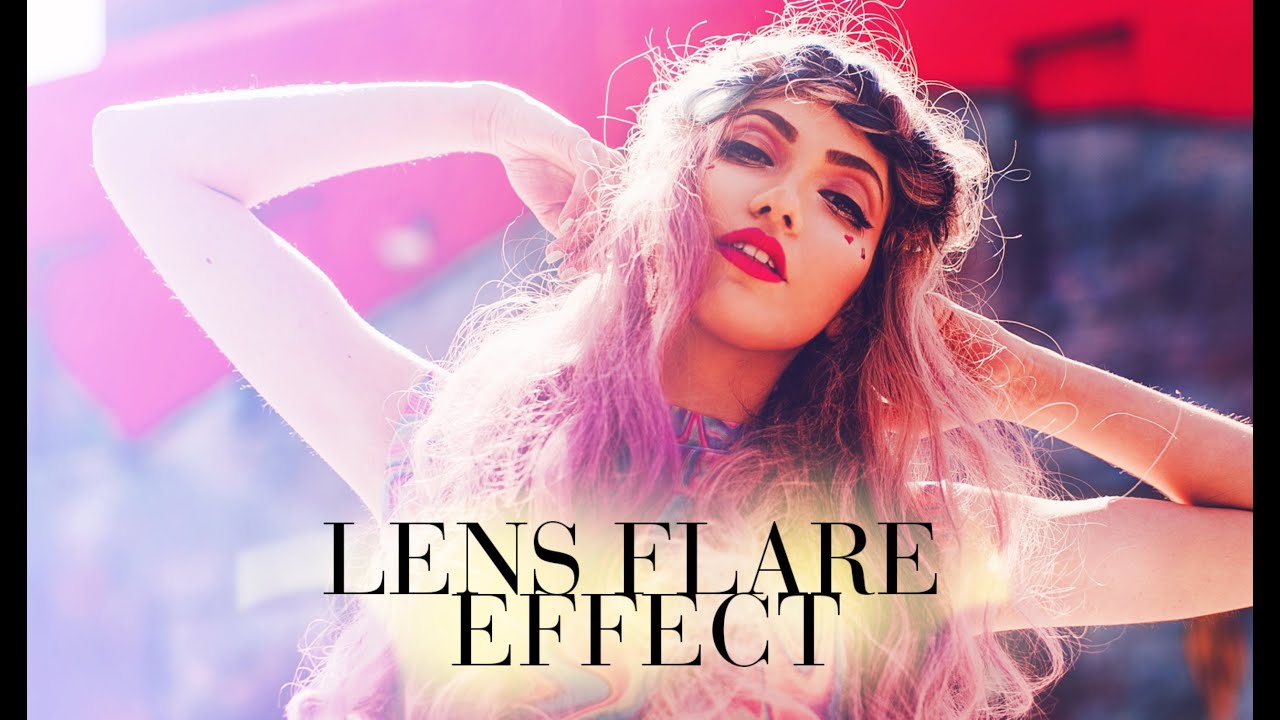
I used to think lens flare effects required either an expensive prime lens shot wide open into harsh backlight, or some bloated plugin that costs more than a budget nifty fifty. Turns out neither is true. In this Jessica Kobeissi tutorial on creating a lens flare effect in Photoshop, she walks through a surprisingly simple gradient-based method that produces a convincing warm, glowing flare using tools that are already sitting in your Photoshop toolbar.

Fake It 'Til It's Film: Adding Light Leaks and Lens Flares in Photoshop

Fake It 'Til It's Film: Adding Light Leaks and Lens Flares in Photoshop

I spent an embarrassing amount of time buying cheap lens filters trying to get that washed-out, analog warmth in-camera. Spent maybe $40 total across four different options, none of which gave me consistent results. The effect I was chasing the whole time was achievable in Photoshop in about ten minutes, and I only figured that out when I sat down with this Aaron Nace tutorial from PHLEARN. Watch the full tutorial on YouTube

Can ASUS's Dual-Screen Zenbook Finally Solve the Mobile Editing Problem?

Can ASUS's Dual-Screen Zenbook Finally Solve the Mobile Editing Problem?

The Dream Setup Goes Mobile Here’s the thing nobody talks about when they’re gushing over “ultraportable” editing laptops: editing on a single screen absolutely sucks. I’ve spent months hunched over 16-inch displays, cramming Lightroom panels into increasingly ridiculous configurations, minimizing windows constantly, and generally fighting the hardware instead of focusing on my images. At home, I run dual monitors. One displays my photos in full glory, the other handles all the interface clutter.

Small Composition Fixes That Make a Big Difference (Lessons from Nigel Danson's Photo Critiques)

Small Composition Fixes That Make a Big Difference (Lessons from Nigel Danson's Photo Critiques)

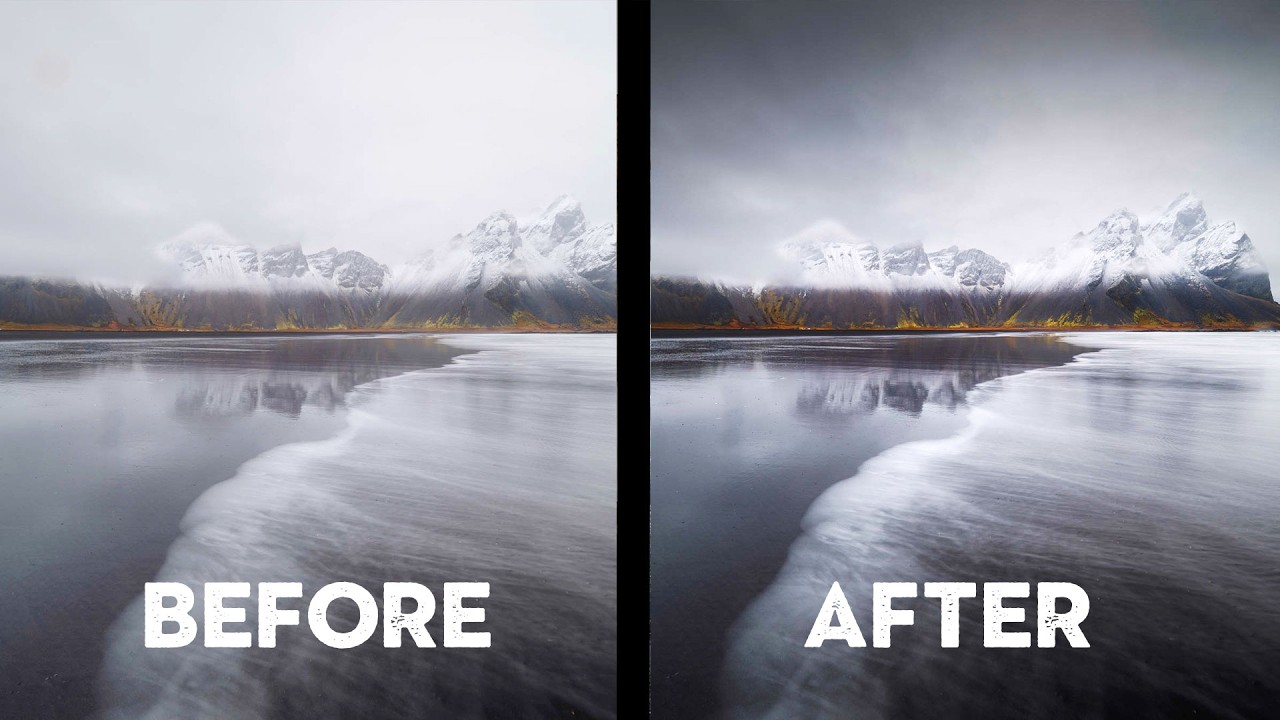
I spend a lot of time hunting deals and testing budget gear, and my whole argument is that the camera isn’t what’s holding most people back. But after watching enough work from photographers at every price point, I’ll admit the honest truth: cheap gear isn’t holding people back either. Composition is. Cropping is. Knowing when to simplify is. Those are free skills, and most of us, myself included, are still building them.

Stop Blowing Out Your Highlights: A Practical Lightroom Fix That Takes 10 Seconds

Stop Blowing Out Your Highlights: A Practical Lightroom Fix That Takes 10 Seconds

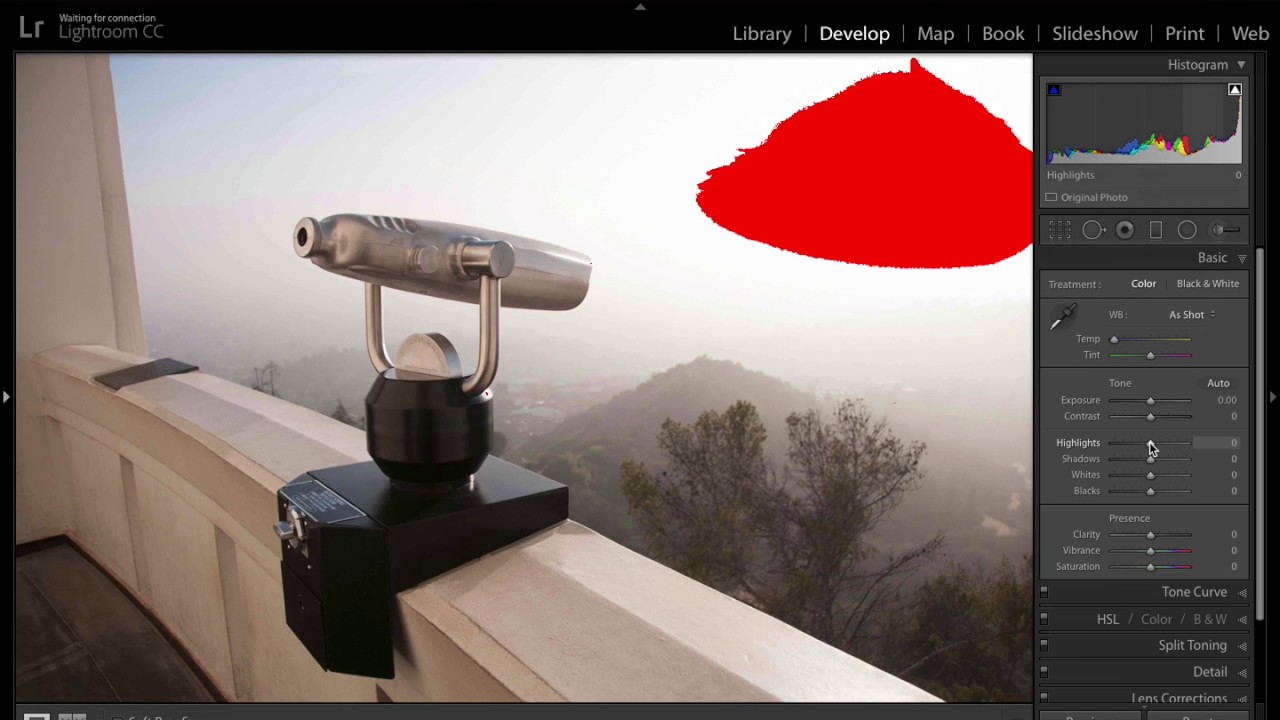
Blown-out highlights are one of those problems that can quietly ruin an otherwise great shot. You nail the composition, the light is interesting, and then you open the file in Lightroom and there’s a dead white patch eating through the brightest part of the frame. No detail. No texture. Just nothing. I’ve trashed more keepers than I’d like to admit because I didn’t have a clean, fast workflow for handling this, and I kept reaching for the wrong tool first.

Edit Faster in Lightroom: Keyboard Shortcuts and the Loupedeck+ Explained

Edit Faster in Lightroom: Keyboard Shortcuts and the Loupedeck+ Explained

Speed is the thing nobody talks about when they teach editing. Tutorials love to obsess over which preset looks most cinematic or how many luminosity masks you should stack, but the real killer of a good editing session is friction. Every time you reach for a slider with your mouse, hunt for a panel, or break your visual focus to click something, you’re slowing down your creative momentum. I’ve felt this acutely working through large batches of photos where the difference between a productive evening and a frustrating one is almost entirely about how efficiently I can move through images.

Stop Making Lens Flares Look Fake: A Photoshop Technique That Actually Works

Stop Making Lens Flares Look Fake: A Photoshop Technique That Actually Works

Lens flares are one of those effects that photographers either overuse into oblivion or avoid entirely because they’ve seen too many bad examples. I’ve been guilty of both. The overuse phase hit me hard around year two of shooting, and the avoidance phase lasted a lot longer than it should have. What changed my mind was stumbling across a technique that treats the lens flare not as a gimmick slapped on top of a photo, but as a lighting tool that earns its place in the image.

The Best Editing Software for Photographers in 2024—Stop Overpaying for Features You Don't Use

The Best Editing Software for Photographers in 2024—Stop Overpaying for Features You Don't Use

I’ve spent the last decade testing editing software, and I’m tired of watching photographers throw money at Adobe’s subscription while using 10% of Lightroom’s features. Let me cut through the hype and tell you what actually matters. The Adobe Trap Nobody Talks About Look, Adobe makes solid software. Lightroom and Photoshop work well together. But $55 a month for both? That’s $660 a year, and most working photographers don’t need both.