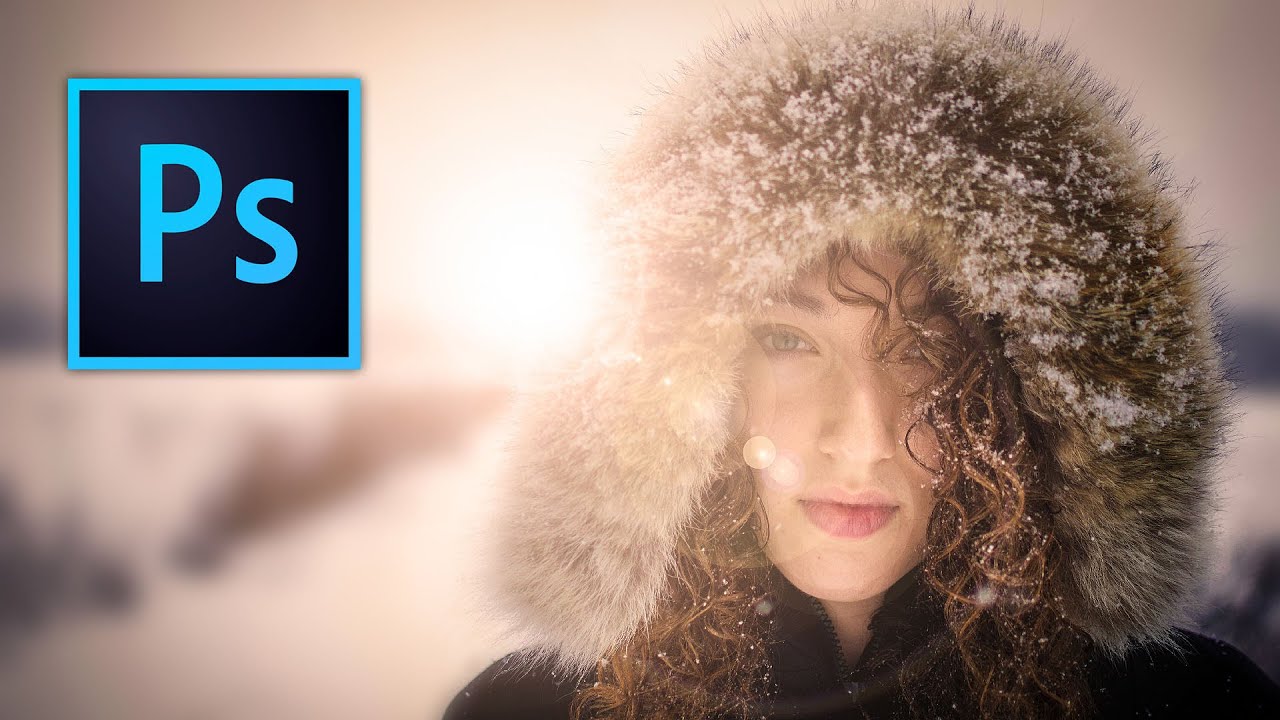
Fake Lens Flare That Actually Looks Real: A Photoshop Technique Worth Stealing

Fake Lens Flare That Actually Looks Real: A Photoshop Technique Worth Stealing

Most of my work lives or dies on what I do after the shoot, not during it. I shoot a lot of outdoor portraits on overcast days in Denver because the light is consistent and I don’t have to fight harsh shadows. The tradeoff is that the images can feel a little flat, a little clinical. No warmth, no magic, nothing that makes someone stop scrolling. For a long time I thought lens flare was something you either captured in camera or you didn’t.
How to Fake Expensive Bokeh in Photoshop (No Fast Lens Required)

How to Fake Expensive Bokeh in Photoshop (No Fast Lens Required)

I’ve been saying for years that the gap between a kit lens and a $1,200 prime isn’t as wide as the gear crowd wants you to believe. I started with a $300 camera kit and shot a wedding that ended up published in a local magazine. Nobody asked what lens I used. What they cared about was whether the subject popped off the background, whether the photo felt professional. That separation, that sense of depth, is something most people assume you can only get by spending serious money on fast glass.

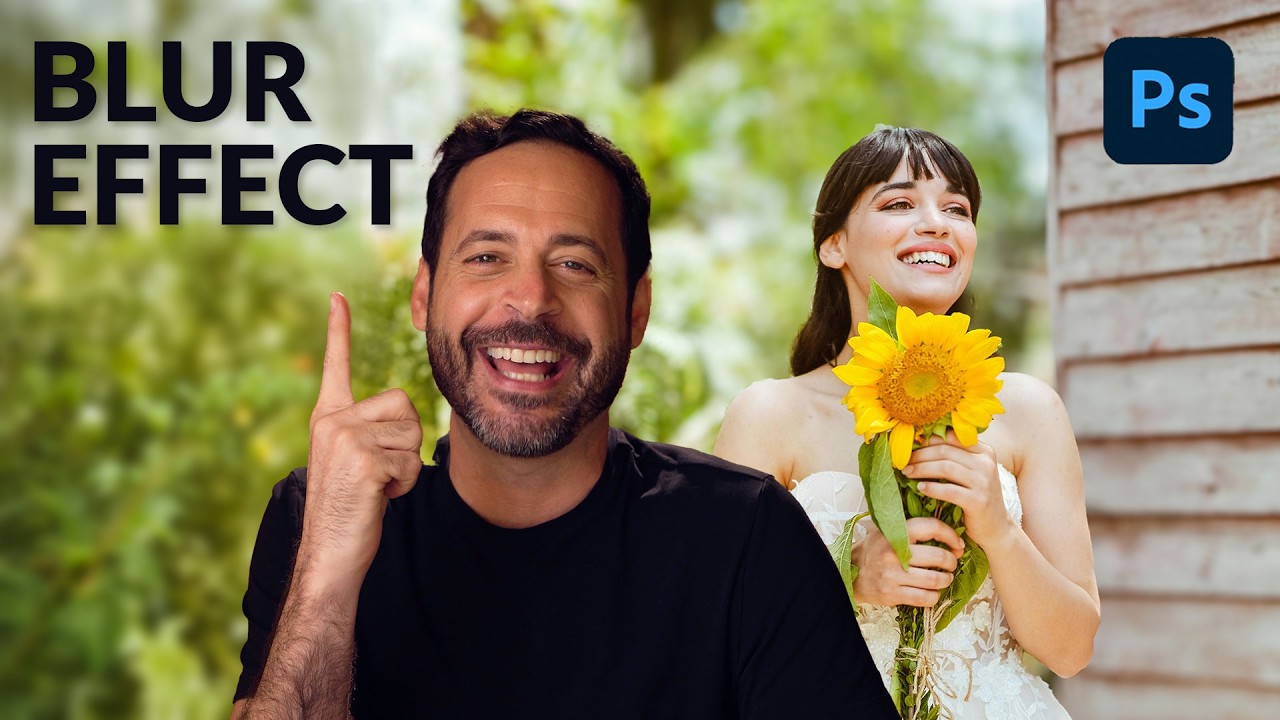
How to Fake a Better Lens with Photoshop's AI Lens Blur (And Why It Actually Works)

How to Fake a Better Lens with Photoshop's AI Lens Blur (And Why It Actually Works)

I’ll be honest with you: I’ve spent an embarrassing amount of money chasing shallow depth of field. Budget lenses, fast primes, crop sensor math, the whole rabbit hole. So when Lightroom dropped its AI lens blur feature and photographers started losing their minds over it, my first thought wasn’t “cool new toy.” It was “does this actually hold up, or is it going to look like a phone portrait mode gone wrong?

Add Cinematic Light Beams and Lens Flare in Photoshop (Aaron Nace's Method, Broken Down)

Add Cinematic Light Beams and Lens Flare in Photoshop (Aaron Nace's Method, Broken Down)

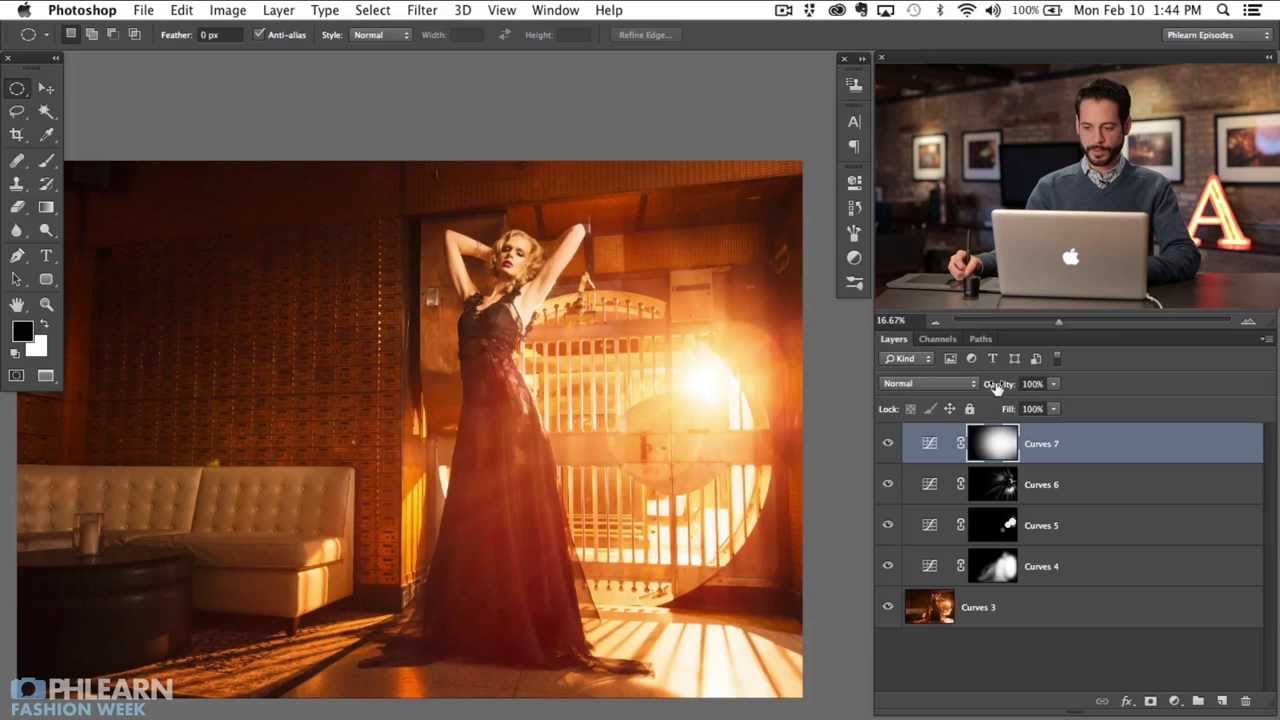
I spend a lot of time thinking about how to squeeze more out of a shot after it’s already been taken. Gear budgets have limits, but Photoshop doesn’t care what camera you used. That’s the real appeal of post-processing techniques like this one. In this Aaron Nace (PHLEARN) tutorial, Watch the full tutorial on YouTube, Aaron walks through how to build realistic beams of light and lens flare directly in Photoshop, starting from a fashion image that already had a backlit strobe behind a set of bars.

How to Paint Out Lens Flare in Photoshop Using Color Blend Mode (No Messy Selections Required)

How to Paint Out Lens Flare in Photoshop Using Color Blend Mode (No Messy Selections Required)

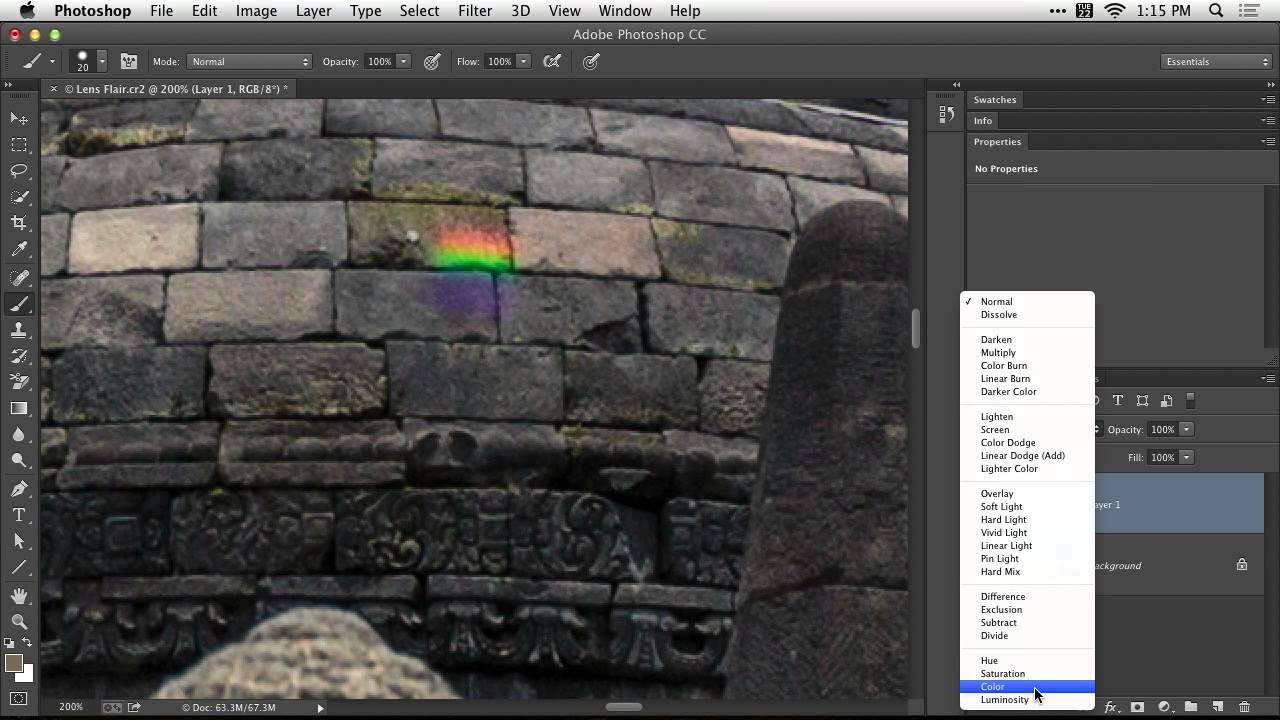
Lens flare is one of those problems that looks almost unfixable after the fact. You’re shooting into the light, the sun clips your front element, and suddenly there’s a smear of color across your subject that has nothing to do with the actual scene. I’ve lost more than a few otherwise solid shots to it, especially shooting outdoors with budget glass that doesn’t have the best coatings. Most of the quick fixes I’ve tried either smear the detail underneath or leave an obvious patch where the texture goes flat.

How to Put a Lens Flare on Its Own Layer in Photoshop (So You Can Actually Control It)

How to Put a Lens Flare on Its Own Layer in Photoshop (So You Can Actually Control It)

If you’ve ever applied Photoshop’s built-in lens flare filter and immediately regretted where you put it, you’re not alone. The filter has one deeply annoying limitation: it bakes directly onto whatever layer you’re working on, and if that layer is empty, Photoshop won’t even let you run it. You’re stuck either flattening your whole image first or stamping a visible layer just to have something for the filter to grab onto.

How to Fake a Lens Flare in Photoshop Using Gradients and Layer Blending (No Plugin Required)

How to Fake a Lens Flare in Photoshop Using Gradients and Layer Blending (No Plugin Required)

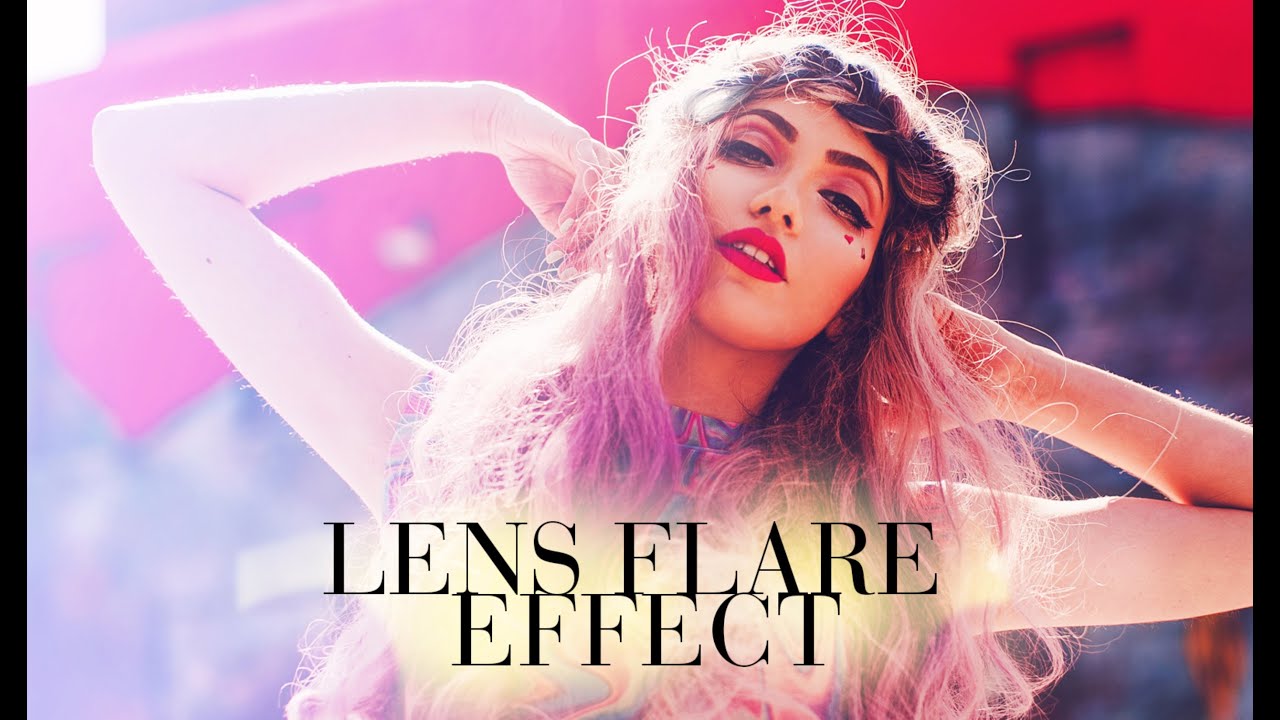
I used to think lens flare effects required either an expensive prime lens shot wide open into harsh backlight, or some bloated plugin that costs more than a budget nifty fifty. Turns out neither is true. In this Jessica Kobeissi tutorial on creating a lens flare effect in Photoshop, she walks through a surprisingly simple gradient-based method that produces a convincing warm, glowing flare using tools that are already sitting in your Photoshop toolbar.

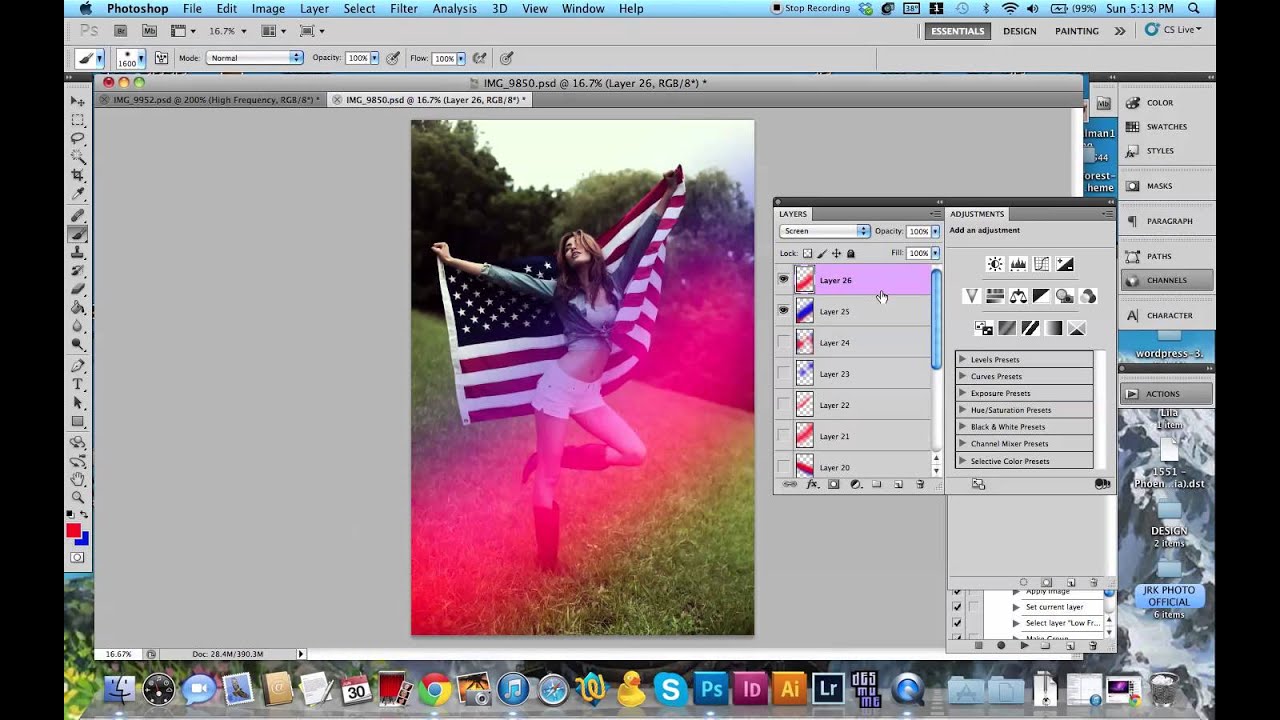
Fake It 'Til It's Film: Adding Light Leaks and Lens Flares in Photoshop

Fake It 'Til It's Film: Adding Light Leaks and Lens Flares in Photoshop

I spent an embarrassing amount of time buying cheap lens filters trying to get that washed-out, analog warmth in-camera. Spent maybe $40 total across four different options, none of which gave me consistent results. The effect I was chasing the whole time was achievable in Photoshop in about ten minutes, and I only figured that out when I sat down with this Aaron Nace tutorial from PHLEARN. Watch the full tutorial on YouTube

Stop Fighting Crooked Architecture Photos — Photoshop's Guided Upright Actually Fixes Them

Stop Fighting Crooked Architecture Photos — Photoshop's Guided Upright Actually Fixes Them

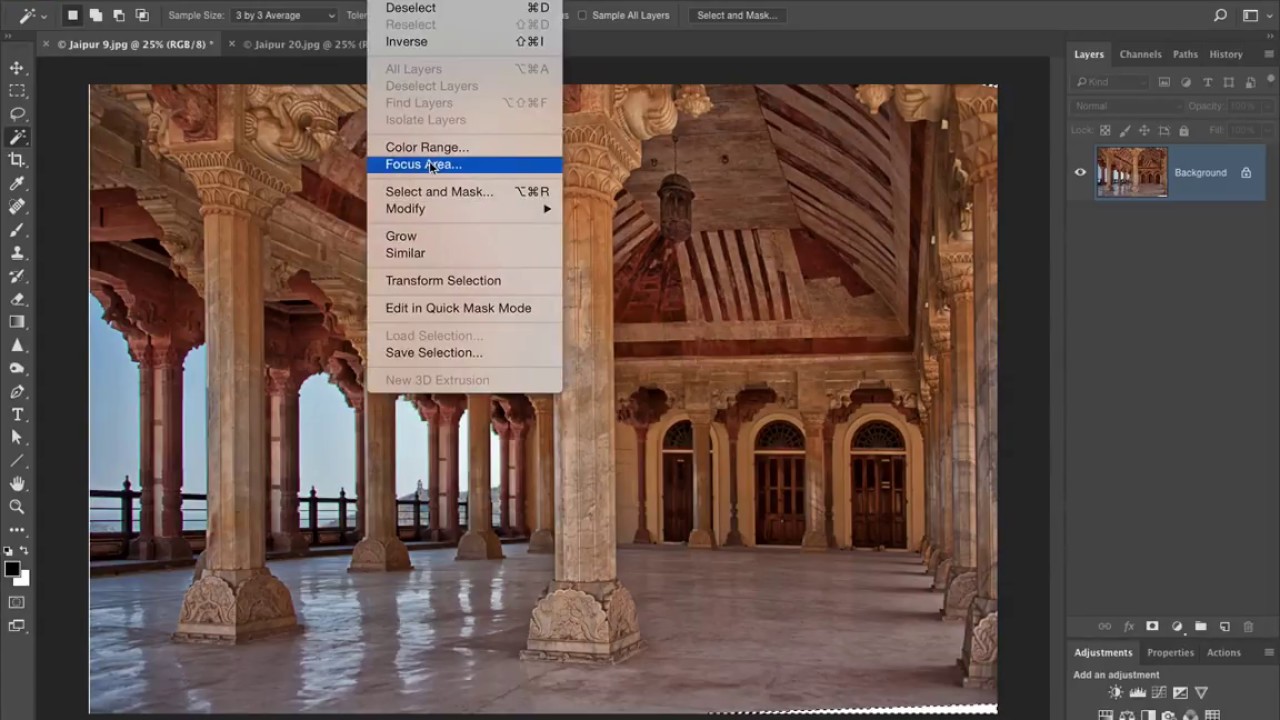
Wide-angle lenses are some of the best value in photography. A 28mm prime for a couple hundred bucks will outperform kit glass on architecture, interiors, and street work all day long. But anyone who shoots buildings with a wide lens knows the tax you pay for that field of view: vertical lines that lean, columns that taper, whole walls that look like they’re about to fall over. I’ve shot interiors with a $180 lens that produced images I was genuinely proud of, and every single one needed some geometry work before it was ready to share.

Stop Making Lens Flares Look Fake: A Photoshop Technique That Actually Works

Stop Making Lens Flares Look Fake: A Photoshop Technique That Actually Works

Lens flares are one of those effects that photographers either overuse into oblivion or avoid entirely because they’ve seen too many bad examples. I’ve been guilty of both. The overuse phase hit me hard around year two of shooting, and the avoidance phase lasted a lot longer than it should have. What changed my mind was stumbling across a technique that treats the lens flare not as a gimmick slapped on top of a photo, but as a lighting tool that earns its place in the image.